5. SPECIFY ROUTER SETTINGS VIA WEB BROWSER
79
5.6.2 Firewall IPv6
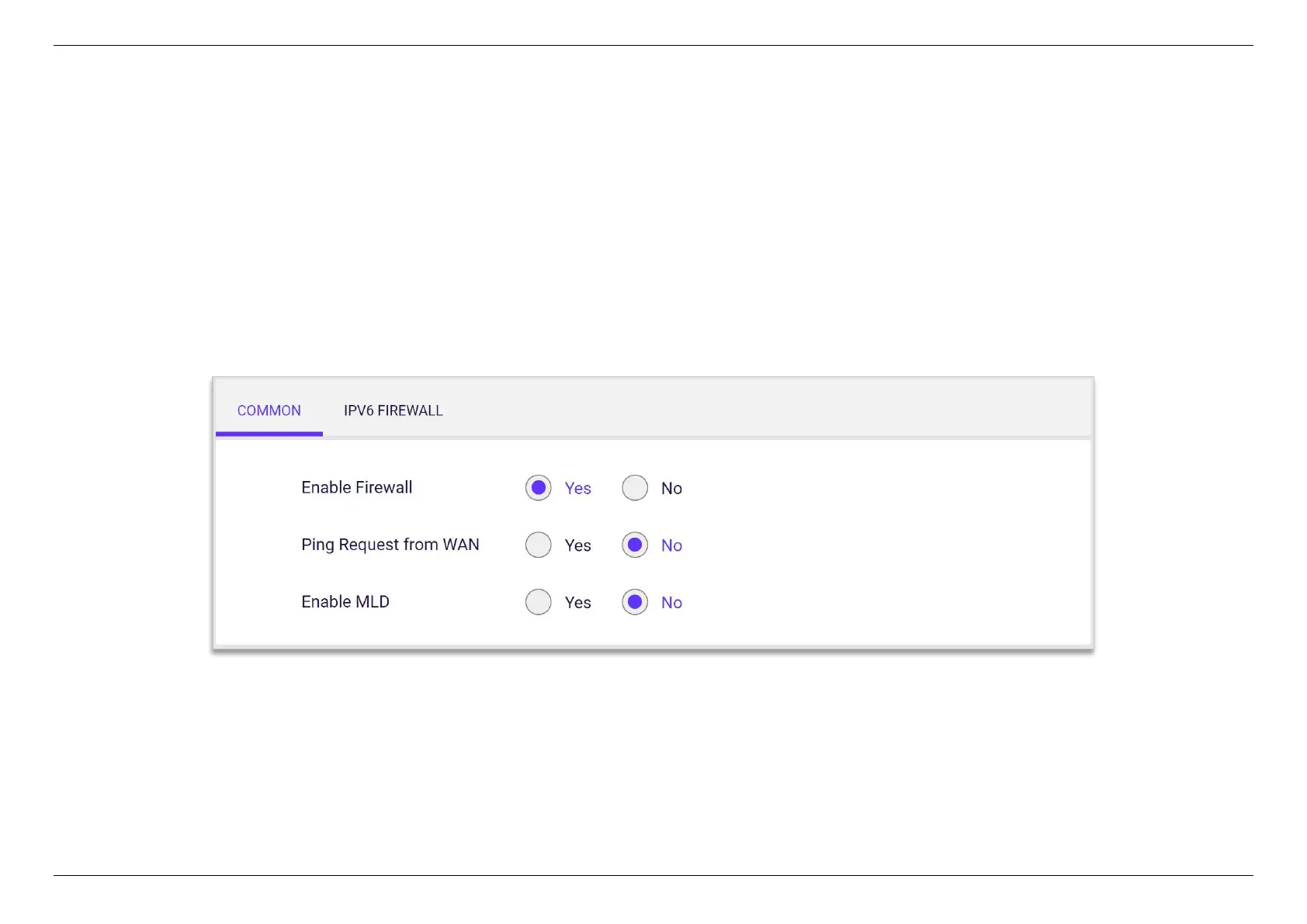
5.6.2.1 Common
Enable Firewall- Display the status of firewall function.
Ping Request from WAN- When inactive the feature WiFi router will not answer IPv6 ping requests from the Internet. This can increase
security as pinging is a common method used by hackers to test networks.
Enable MLD- Multicast Listener Discover, a network protocol used in multicast technology. When disable MLD, MLD function is disabled.


 To Next Page
 Loading...
