5. SPECIFY ROUTER SETTINGS VIA WEB BROWSER
55
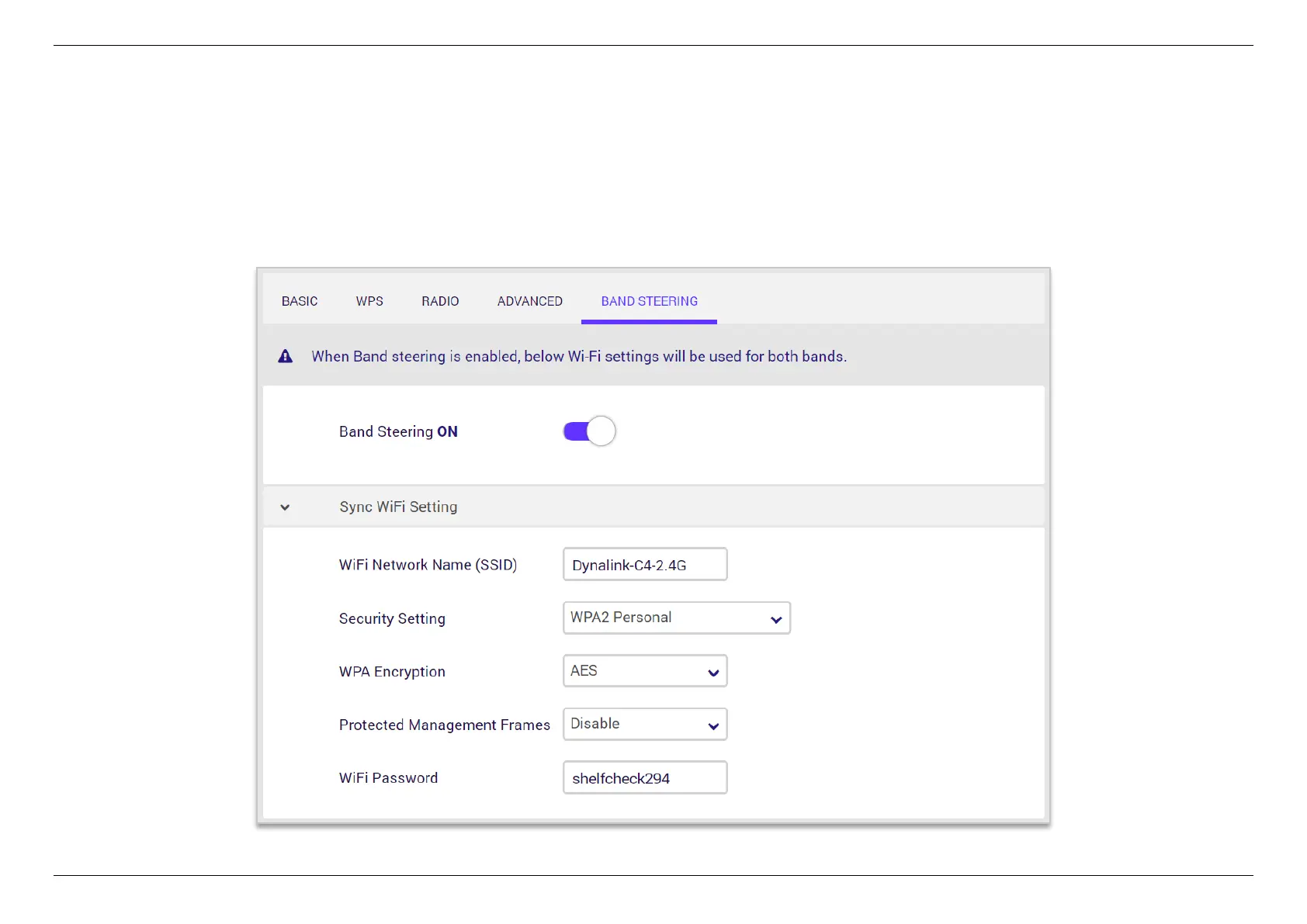
5.3.4.5 Band Steering
This feature intelligently moves your dual band devices to the less congested 5 GHz network for the best performance, and leave the 2.4GHz
network less-crowded for those clients who support 2.4GHz only; therefore, to improve WiFi performance for all the clients.
Note: When Band Steering is enabled, you will only retain one WiFi network name and password. By defualt, your router automatically migrates
the name of 2.4GHz SSID and its password to sync the settings.


 To Next Page
 Loading...
