5. SPECIFY ROUTER SETTINGS VIA WEB BROWSER
21
5.3 Network
5.3.1 Status
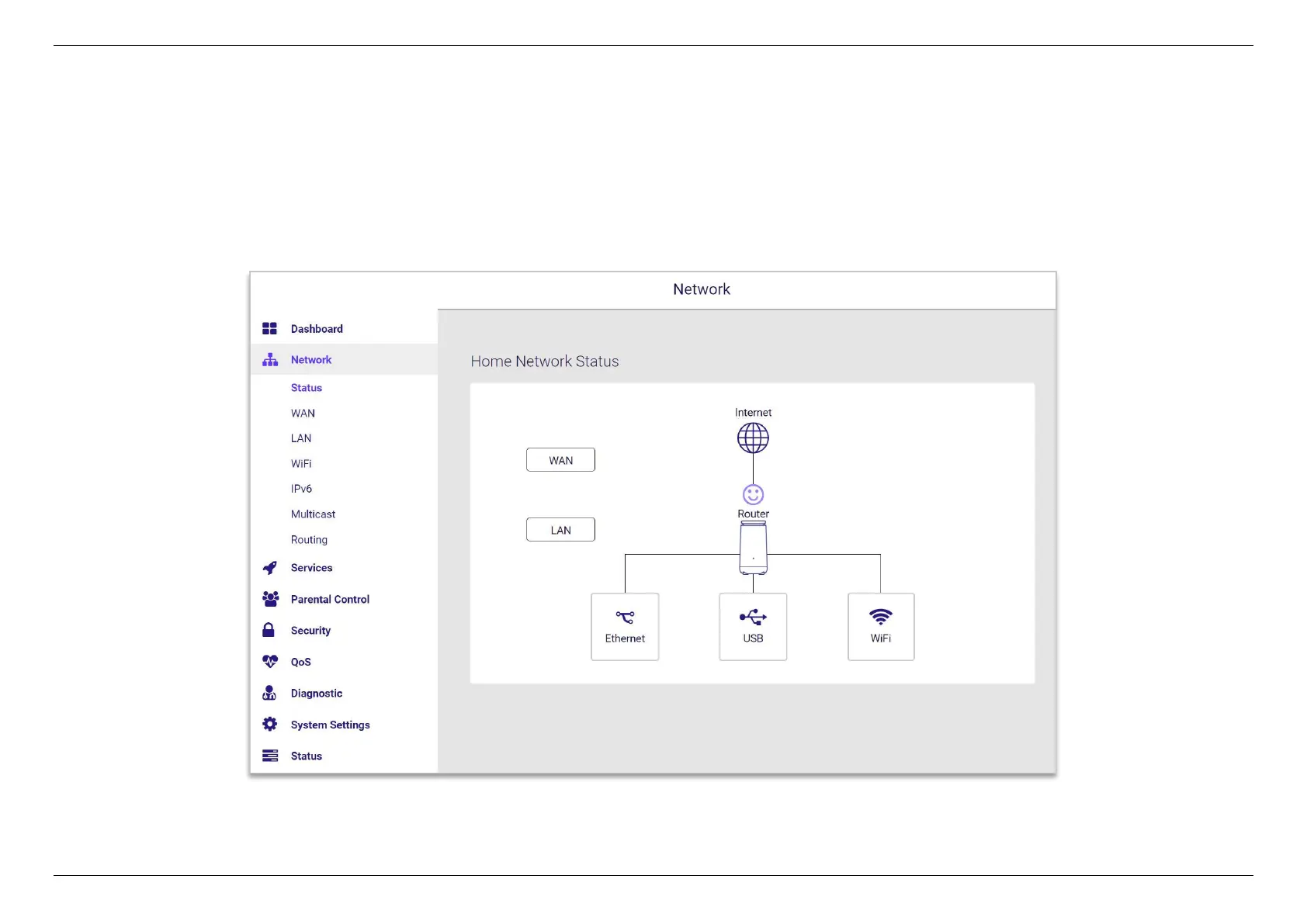
The panel shows a visual overview of connection status between Internet, router, and devices. Click the WAN, LAN, Ethernet, USB, and WiFi
icons to access more information and quickly navigate to the corresponding setting pages.


 To Next Page
 Loading...
