5. SPECIFY ROUTER SETTINGS VIA WEB BROWSER
66
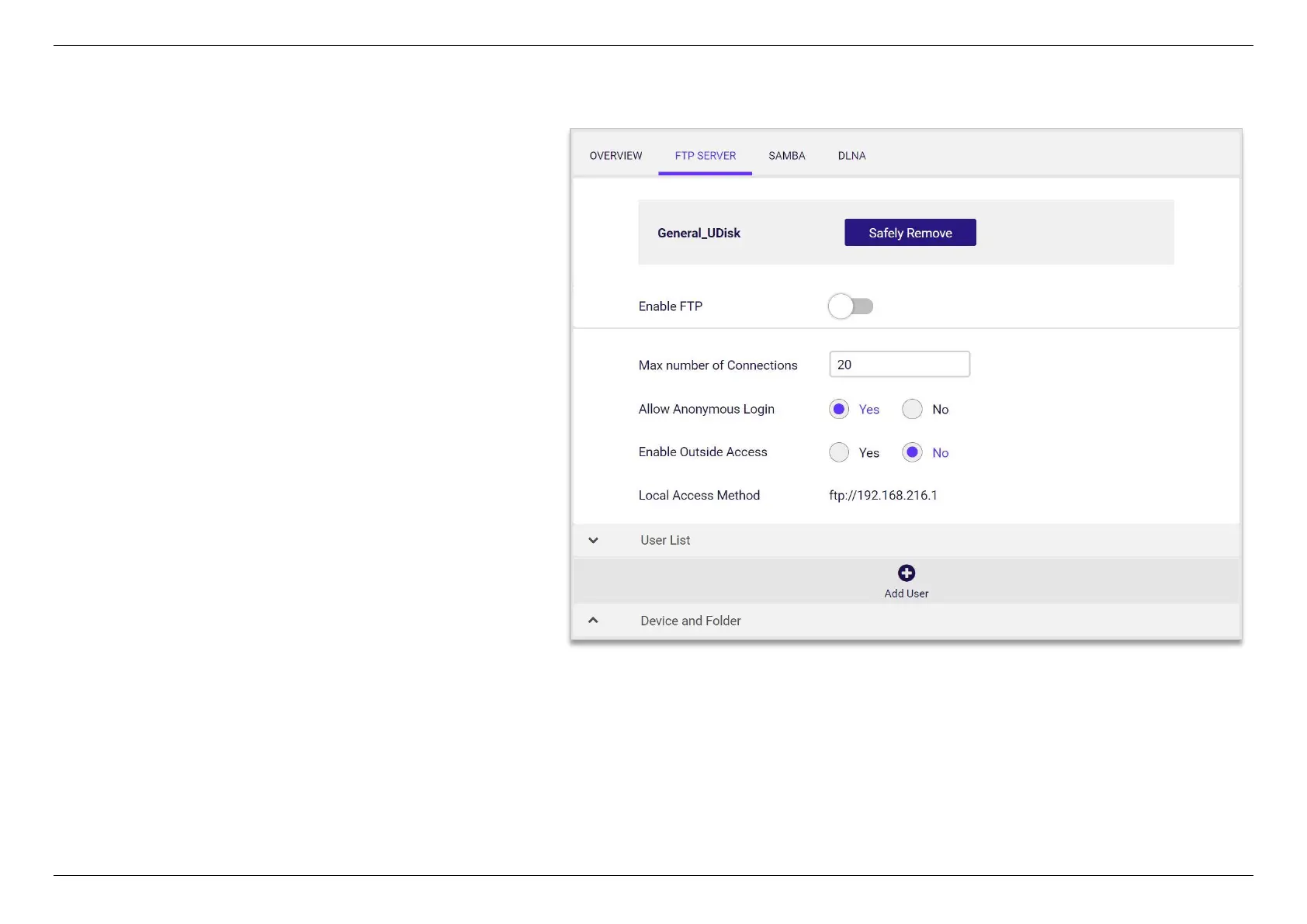
5.4.2 FTP Server
Use FTP server to share the folder and files from USB disk
with other devices on Network.
1. Enable FTP.
2. Run FTP client software in PC.
3. Access FTP server with anonymous or correct
username and password to download/upload files.


 To Next Page
 Loading...
