5. SPECIFY ROUTER SETTINGS VIA WEB BROWSER
105
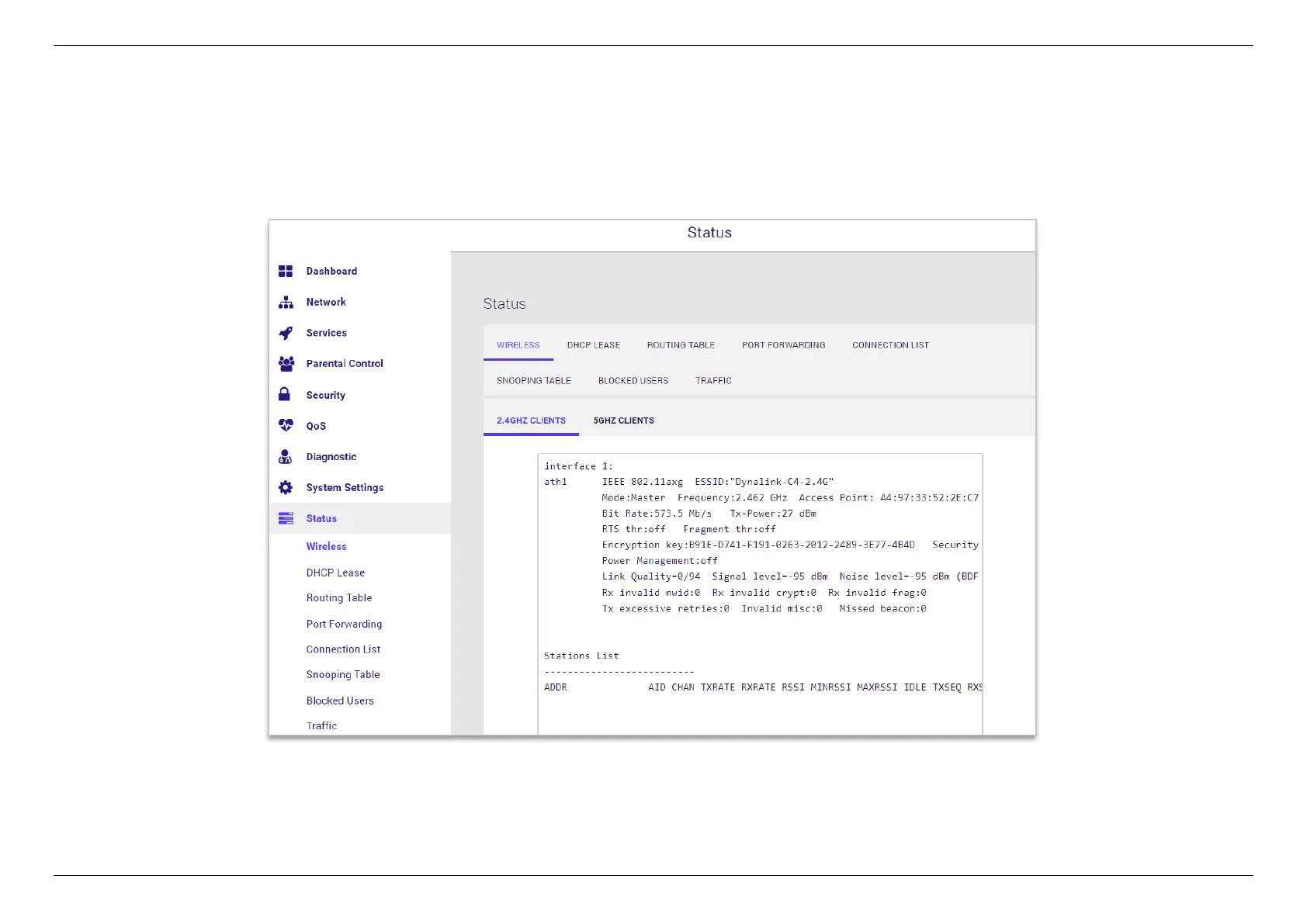
5.10 Status
Network Status displays the status of the network across 8 categories: Wireless, DHCP Lease, Routing Table, Port Forwarding, Connection
List, Snooping Table, Blocked Users, Traffic. Information is listed in Network Status for reference as described below:


 To Next Page
 Loading...
