5. SPECIFY ROUTER SETTINGS VIA WEB BROWSER
39
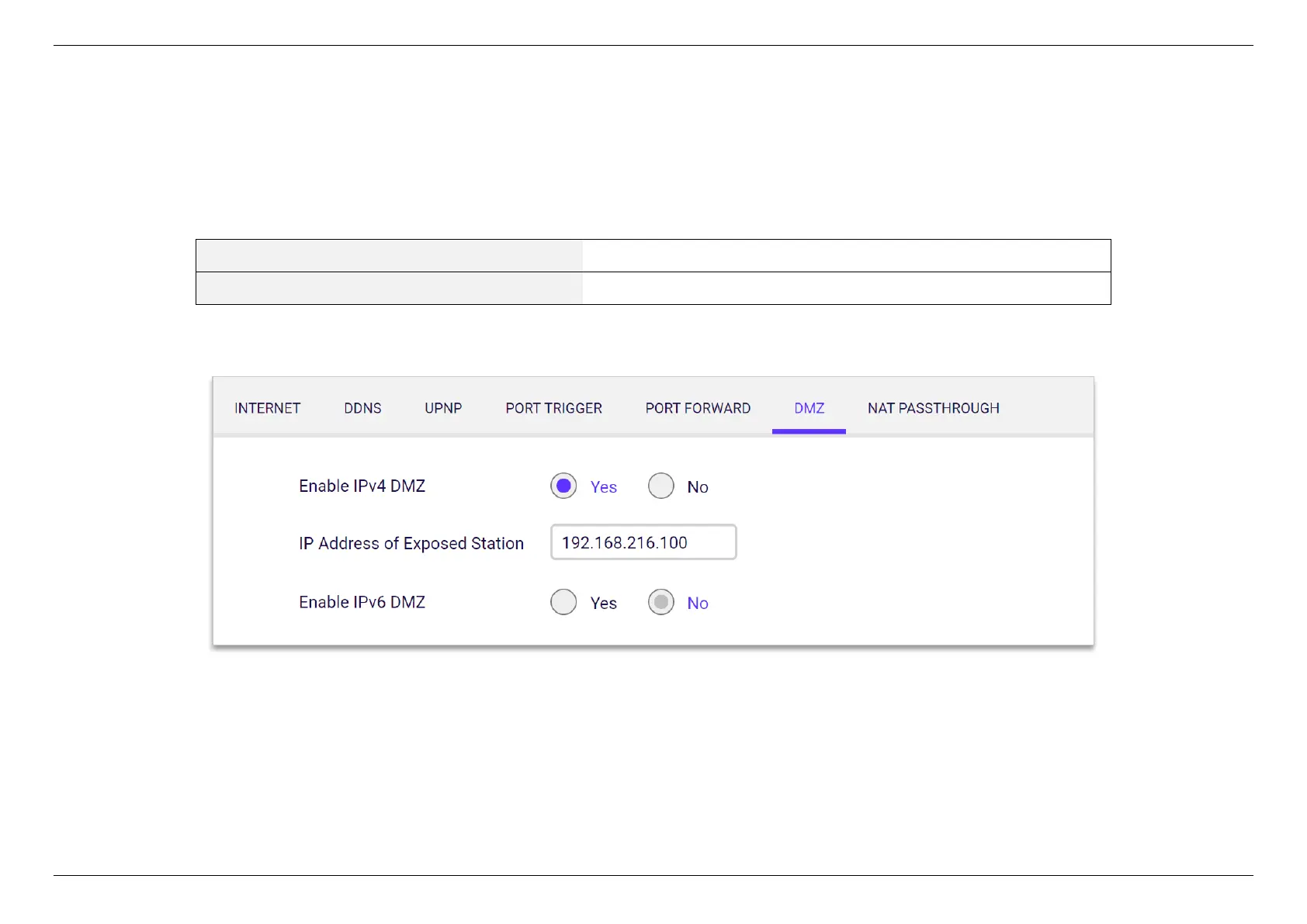
5.3.2.6 DMZ
A Demilitarized Zone (DMZ) is an isolated device in your local network where a computer outside the firewall can access directly. This can provide
an extra layer of security to the rest of the network but still provide service to devices outside firewall without problems due to NAT firewall. However,
since it opens the device up to unrestricted two-way access, this device is vulnerable to outside attack. DMZ should be configured only by expert
network users aware of the security risks.


 To Next Page
 Loading...
