5. SPECIFY ROUTER SETTINGS VIA WEB BROWSER
68
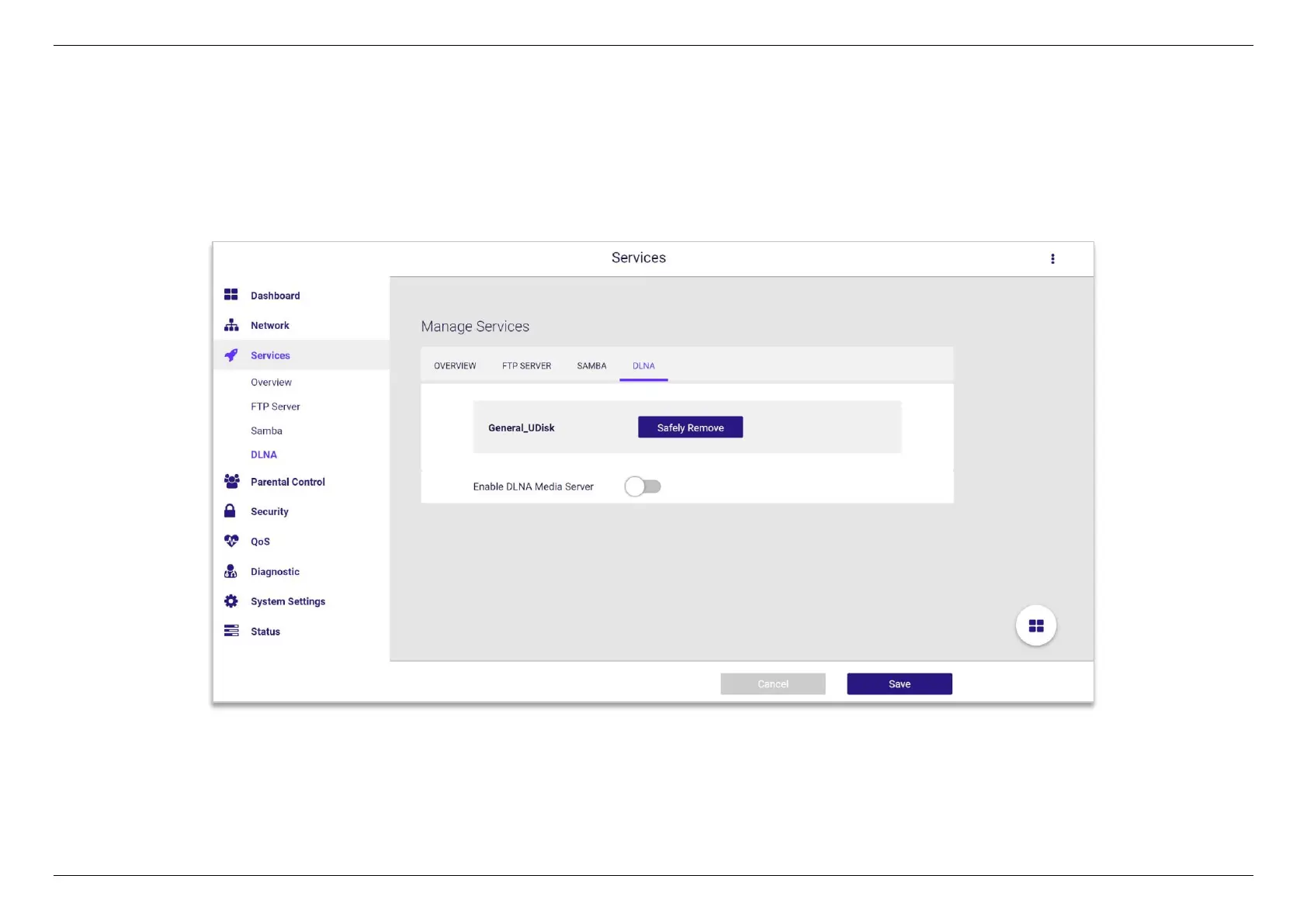
5.4.4 DLNA
DLNA (Digital Living Network Alliance) allows you to share audio, image and video to Windows Media Player, game console, and other compatible
devices in the same local network. The DLNA service can provide easy access for multimedia data in the USB storage device attached to the WiFi
router. This page shows the detailed information about the DLNA server and option to enable or disable it.


 To Next Page
 Loading...
