5. SPECIFY ROUTER SETTINGS VIA WEB BROWSER
69
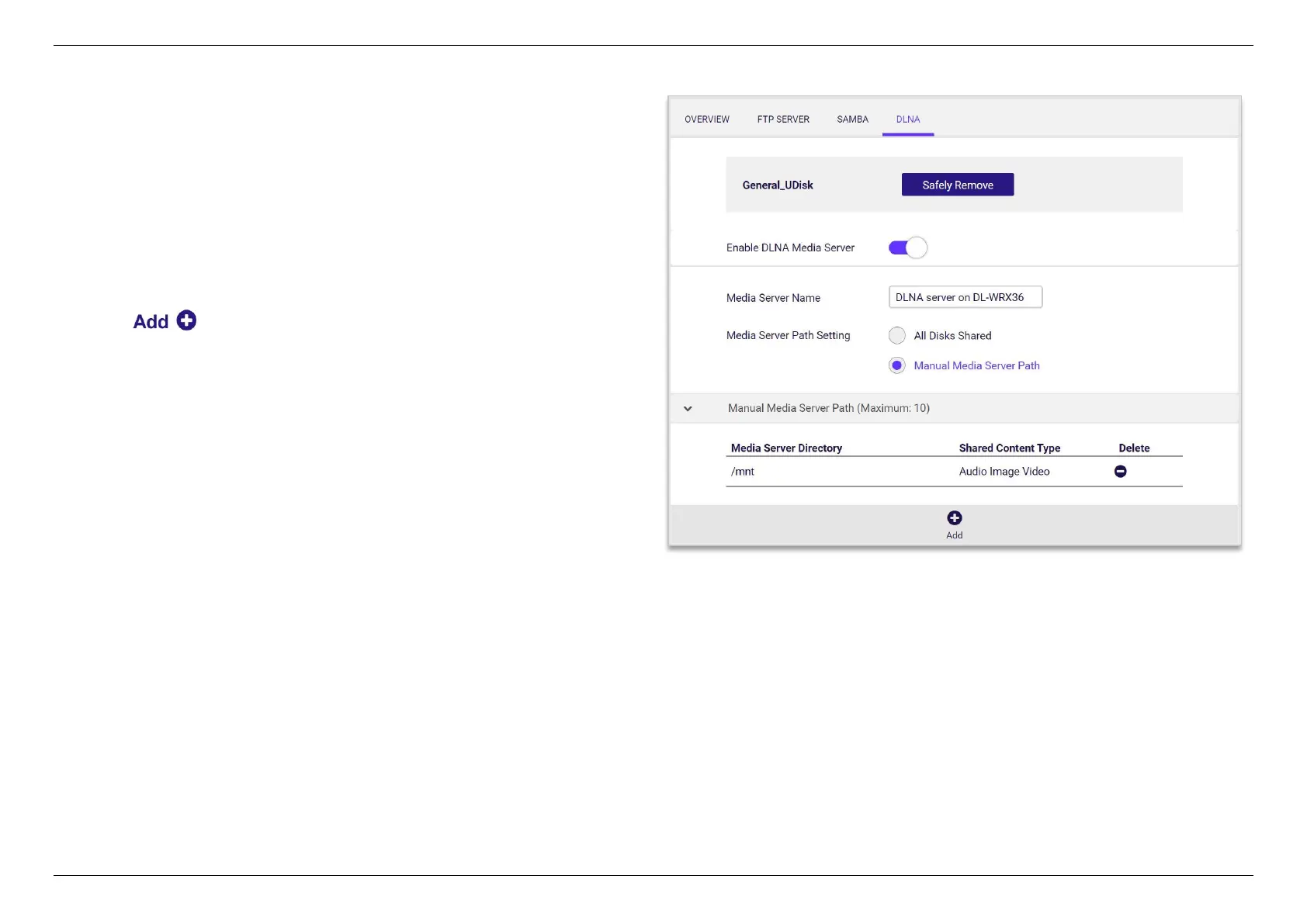
1. Insert thumb drive or a high-capacity external drive to your WiFi
router.
2. Enable DLNA Media Server.
3. Specify the Media Server Name for the network devices to
distinguish.
4. Select All Disks Shared to share the entire folders and skip to step
8 directly. Or select Manual Media Server Path to share the
specific folder.
5. Click to continue.


 To Next Page
 Loading...
