5. SPECIFY ROUTER SETTINGS VIA WEB BROWSER
78
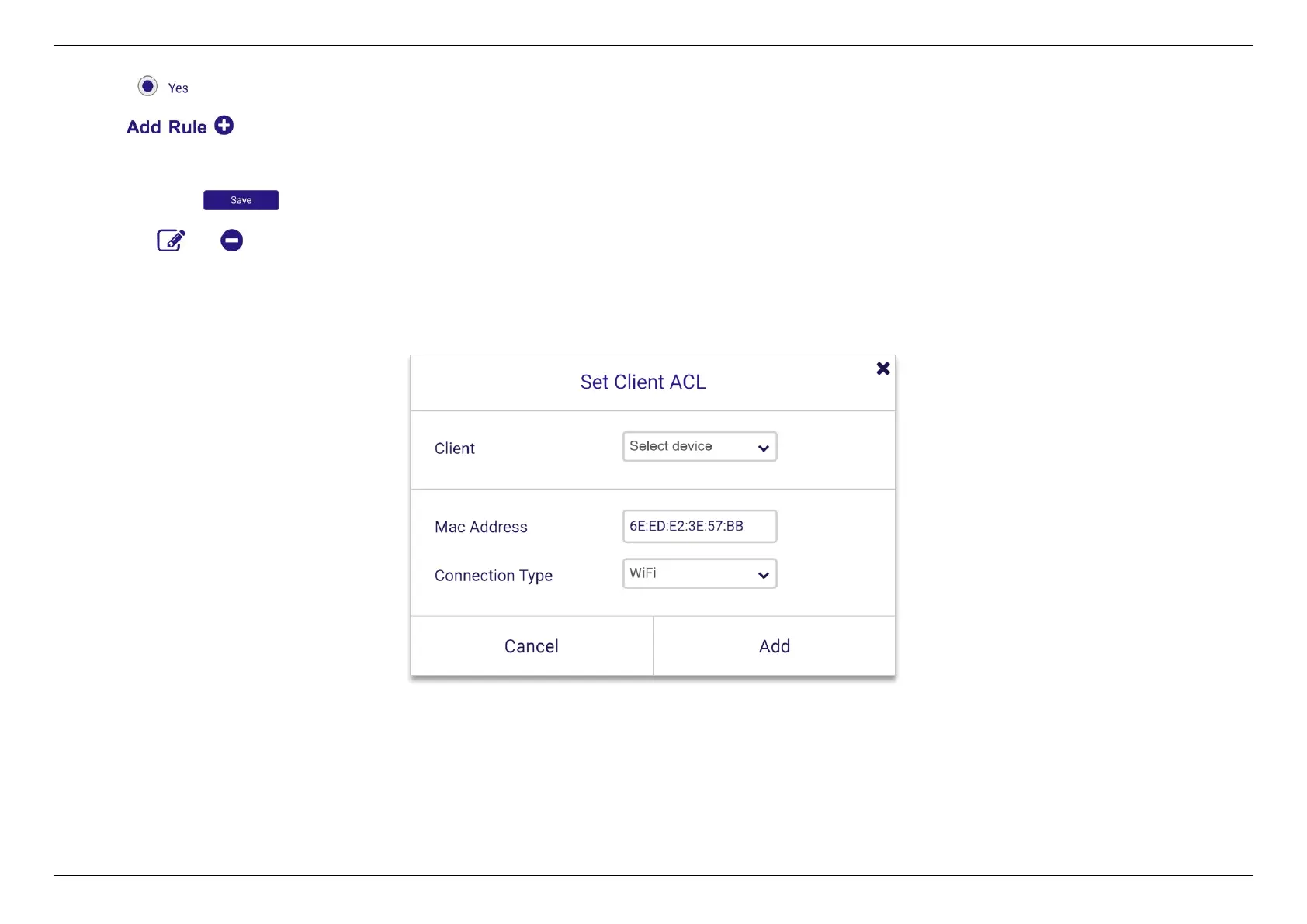
1. Select to enable Client ACL.
2. Click .
3. Select a device from the Client menu or enter the MAC address manually.
4. Click Add and to save the rule.
5. Click the or icon beside any entry in your ACL list to remove or edit the entry.
Note: Device will work as "allow all" even though "Net Service Filter” enabled on White or Black List without any filtering rule.


 To Next Page
 Loading...
