5. SPECIFY ROUTER SETTINGS VIA WEB BROWSER
81
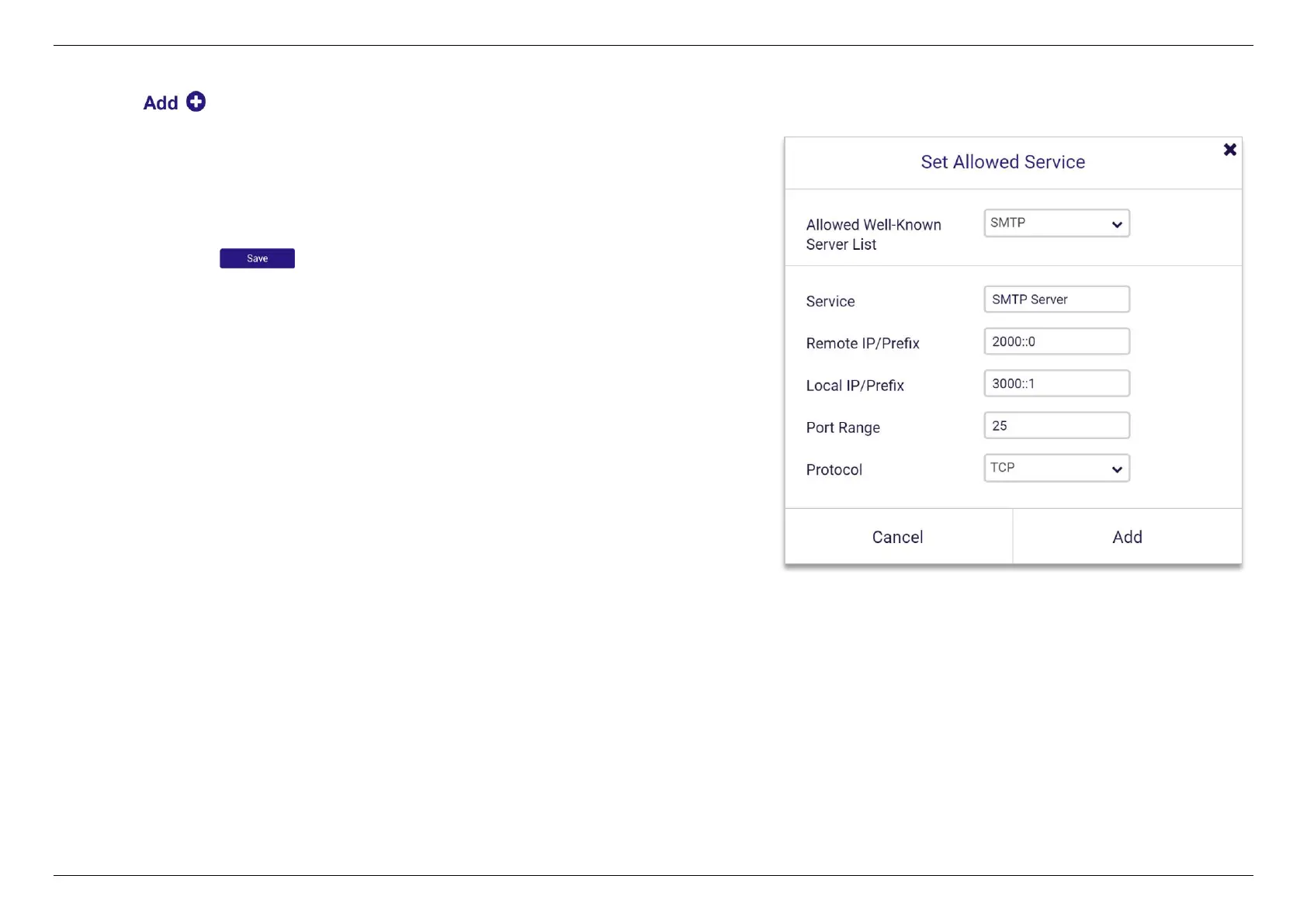
1. Click on Allowed Service Rules (Maximum: 32).
2. Select an IPv6 service rule from the well-known server list or input
your own rule.
3. Input service name, remote IP/prefix, local IP/prefix, port range and
protocol.
4. Click Add and to save the allowed service rule.


 To Next Page
 Loading...
