9
Parts
Audio Connections / MIDI Connections
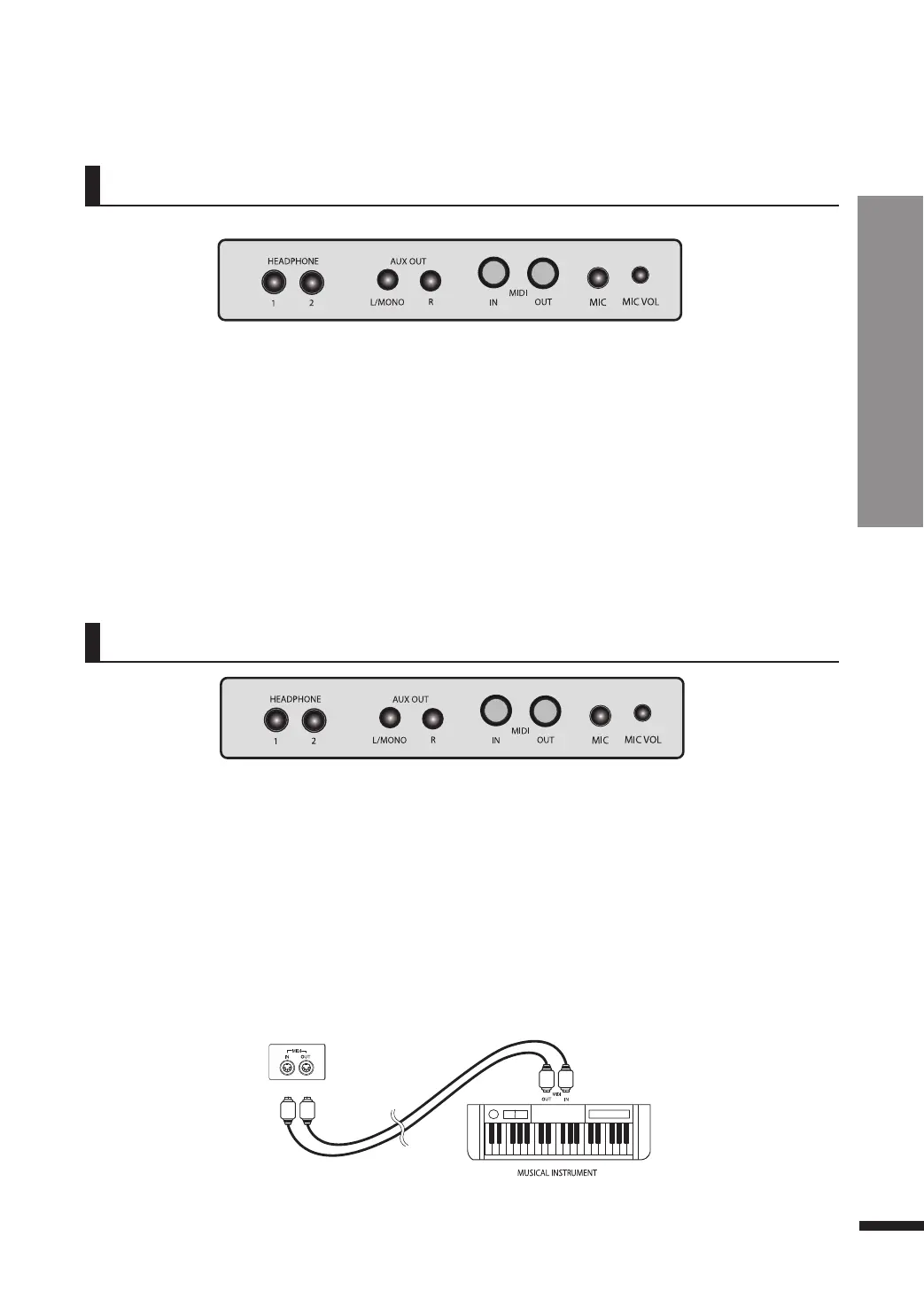
Audio Connections
q Audio Output Terminals (Line Out [L/Mono], [R])
These jacks are used when the use of a more powerful external sound producer (amplifiers etc.) is
desired to reproduce the audio output of the piano.
Use an audio cable (sold separately) to connect the audio output jacks (Line Out [L/Mono], [R]) of the
piano and the input jack of the external device to hear the piano through the speaker system of the
external device.
☞ When connecting to an external device, always turn on the external device first before turning on the power of the
piano. When quitting the use of the external device, reverse this order and turn the piano off first before turning off the
external device.
☞ The audio connection terminals are made of RCA connectors.
External Connection Terminals (on the bottom left of the piano)
q
w MIDI Terminals
MIDI stands for 'Musical Instrument Digital Interface', and is the international standard for the
exchange of musical data between two digital devices.
MIDI IN Receives MIDI messages coming in from external MIDI devices.
MIDI OUT Outputs MIDI messages from the piano to external devices.
M
I
D
I
C
o
n
n
e
c
t
i
o
n
s
External Connection Terminals (on the bottom left of the piano)
w



 To Next Page