Basic Controls
Metronome
22
Metronome
Turning Metronome On/Off
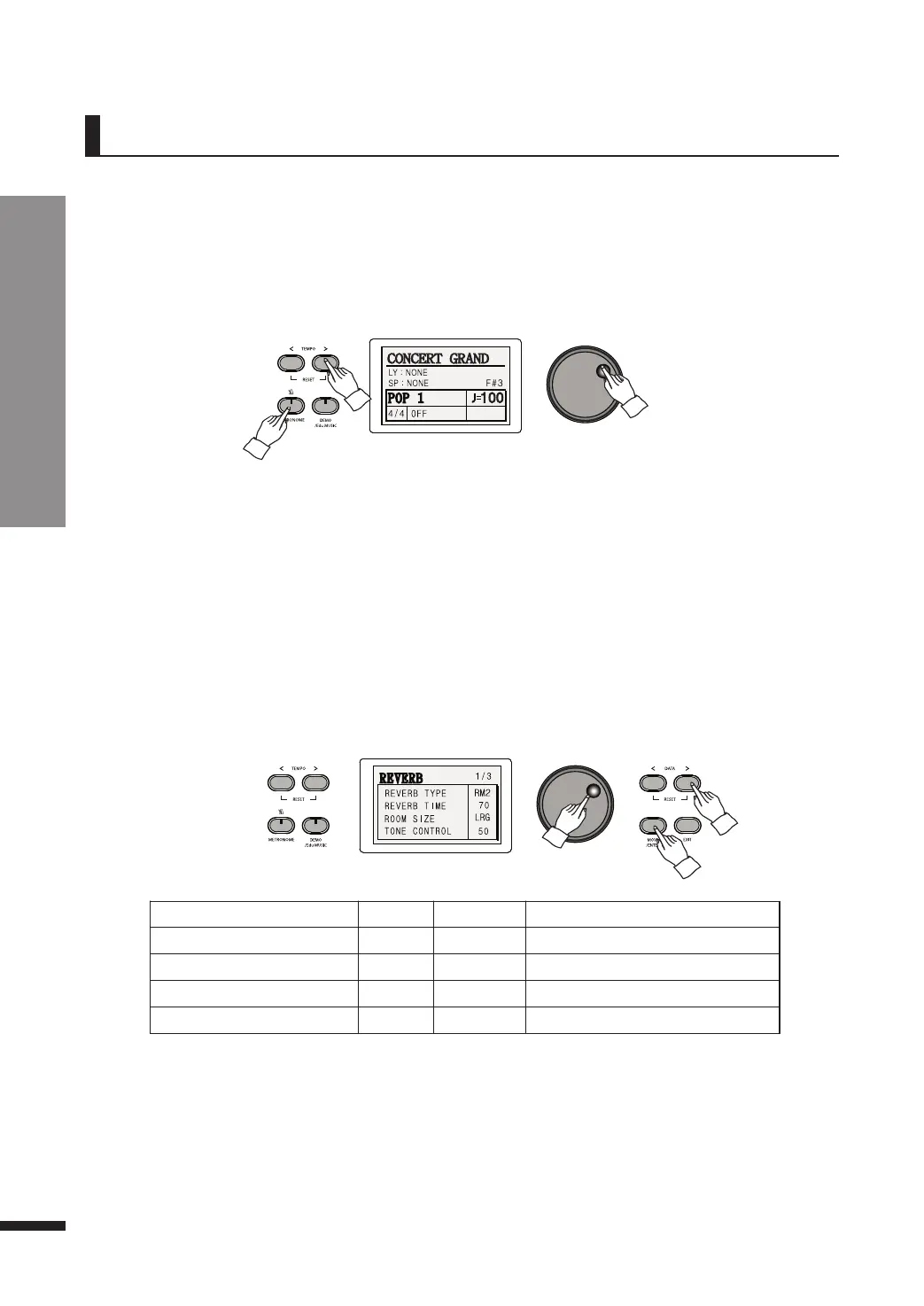
Press METRONOME to begin hearing metronome beats.
Press METRONOME again to turn off the metronome.
Metronome provides clicks over a steady beat to help the player keep in time while playing.
Adjusting Tempo
The range of metronome tempo is from 40 to 250 bpm (beats per minute). It may be adjusted by
using the TEMPO buttons, or the DATA wheel.
☞ Keep a TEMPO button pressed to quickly run through the values.
☞ Pressing both TEMPO buttons simultaneously will restore the default tempo (120).
☞ When a change occurs to the LCD, the metronome may be temporarily slowed.
Metronome Settings
Press and hold down METRONOME until the Metronome menu pops up.
Press MOVE/ENTER to cycle through the fields and use the DATA buttons or DATA wheel to adjust the
value.
Parameter Default Range Description
BEAT
1 1~12 Metronome beats
TEMPO
100 40~250 Metronome tempo
FIRST BEAT VOLUME
100 50~100 Volume of first beats
OTHER BEATS VOLUME
85 50~100 Volume of the rest
☞ Keep a DATA button pressed to quickly run through the values.
☞ Pressing both DATA buttons simultaneously will restore the default value.
☞ Pressing both TEMPO buttons simultaneously will restore the default Tempo.
☞ Press METRONOME again while in the Metronome menu to exit the menu.



 To Next Page