30
Function
Effect
Effect
☞ The LCD will show the current value.
☞ Pressing both DATA buttons simultaneously will restore the default value.
☞ Your last configurations will be retained until the piano is turned off (unless the KEEP SETTING feature is enabled, in
which case it is retained permanently).
☞ If the AUTO EFFECT feature is enabled, when a voice is selected an optimal effect setting for that voice is automatically
applied.
Effect adds digital sound effects to the voices, allowing the piano to produce more abundant and
unique colors of sound.
4 types of effect are available: Chorus, Phaser, Tremolo, and Rotary.
All types of effect have their own default values, which may be adjusted by the user.
FX TYPE OFF CHR PHS TRM RTY
Range Description
FX PEDAL SWITCH OFF ON ON ON ON ON, OFF
Left Pedal
Behavior
FX LEVEL 0 70 70 70 100 0~100
Effect Strength
FX RATE 0 37 59 32 0 0~100
Effect Rate
FX DEPTH 0 100 50 100 0 0~100
Effect Depth
Using Effect
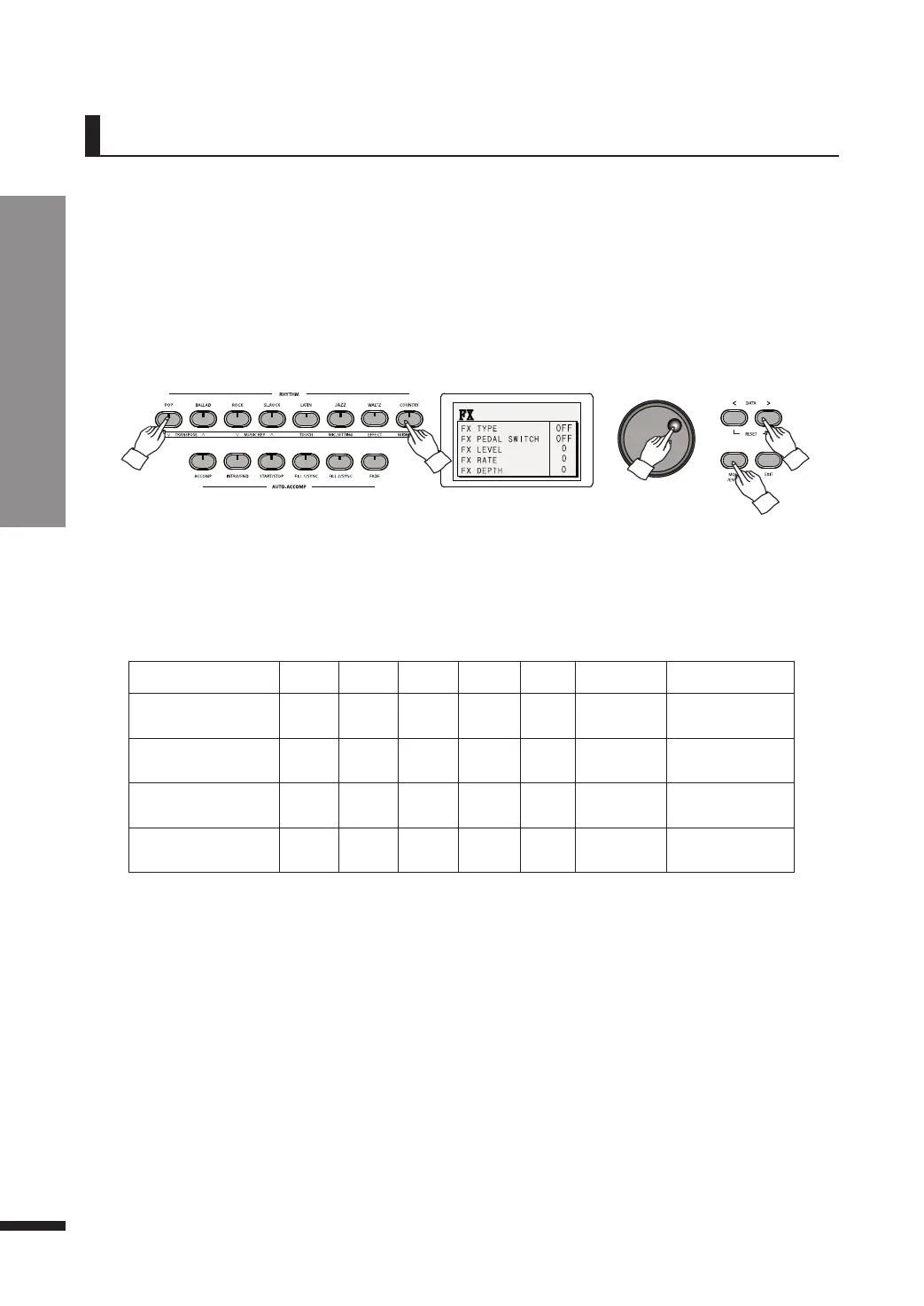
Press FUNCTION, then press EFFECT.
Effect Parameters
Repeatedly press MOVE/ENTER to reach the desired field, then use the DATA buttons or DATA wheel
to adjust its value.
FX Pedal Switch
When enabled, it sets the left pedal to function as a trigger for applying the effect. In other words, the effect
is applied only when the left pedal is pressed. (Default: ON)
Set this to OFF if you wish to always apply the effect regardless of the pedal.



 To Next Page