REGISTRATION
Registration Memory
/ Saving Registrations To USB
48
Using Registration Memory
Registration
Registration allows the user to save all current settings
and parameters of the piano to the registration memories,
so that they may be recalled for easy use in the future.
Loading a Registration
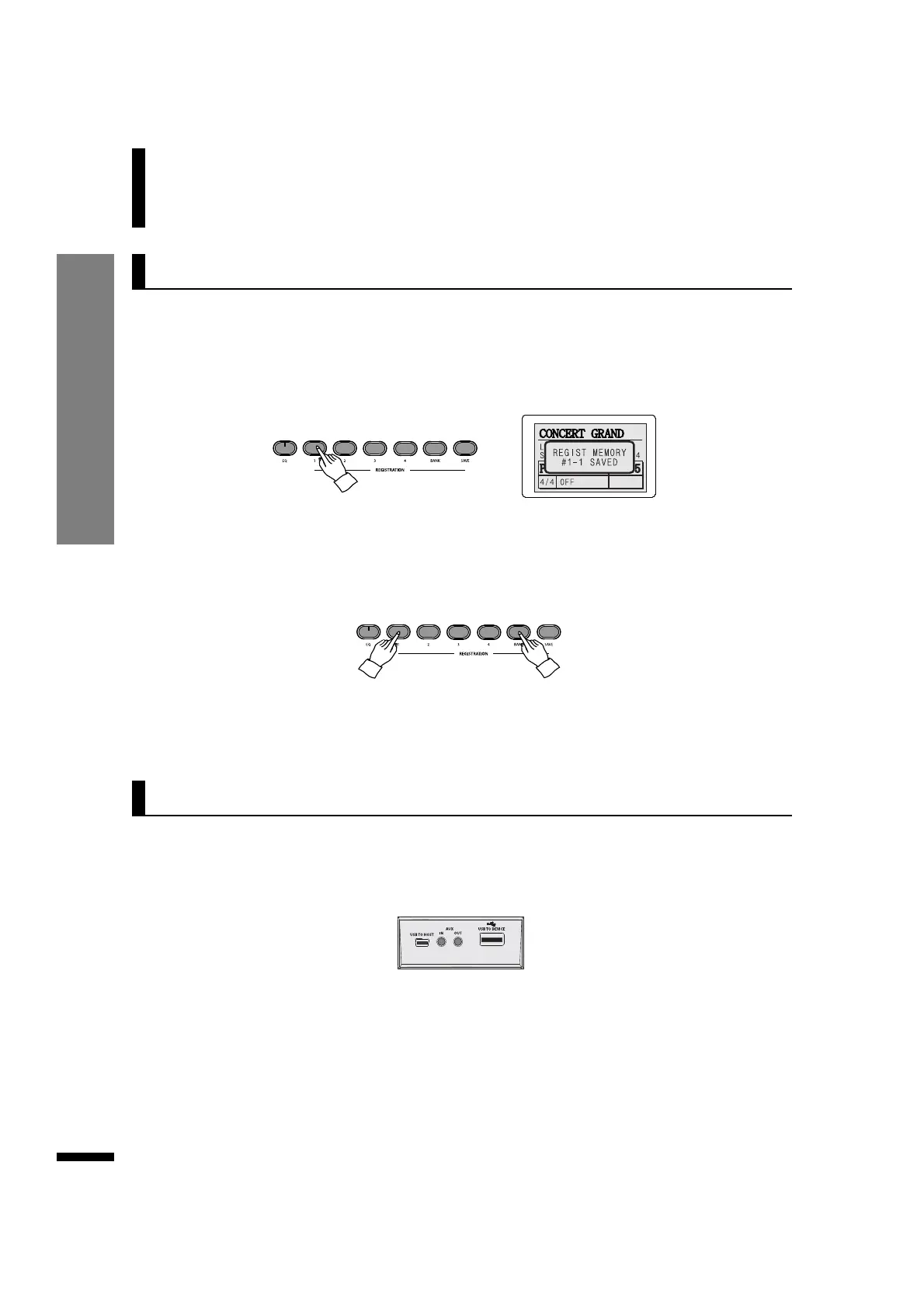
Press the REGISTRATION button corresponding to the desired registration number.
Saving a Registration
Once all desired parameters are set, press and hold down SAVE and then press one of the 4
REGISTRATION buttons to save current settings to that memory. If more than 4 registration slots are
needed, hold down the BANK button, then press one of the 4 REGISTARTION buttons to switch to
another registration memory bank. Each bank consists of 4 registration memories, allowing for a
total of 16 registration slots.
The registrations saved in the piano memory may also be saved to USB memories as files, which may
be reloaded to the piano later.
Saving Registrations To USB
q Insert the USB memory to the USB-TO-DEVICE terminal.
w Call up the USB memory menu.
Press the USB memory button. The LCD will show the USB memory menu
.
☞ If desiring to load a registration saved in banks other than bank #1, press and hold down the BANK button, then press
the REGISTRATION button with the corresponding number to select the desired bank first.
☞ The use of the bundled USB memory is recommended.
☞ The USB MEMORY button does not work if no USB memory is detected.
☞ Do not try to force the USB memory in or out of the slot.
☞ Do not remove the USB memory while data is being accessed. Doing so may corrupt the data.



 To Next Page