Basic Controls
Reverb Settings
20
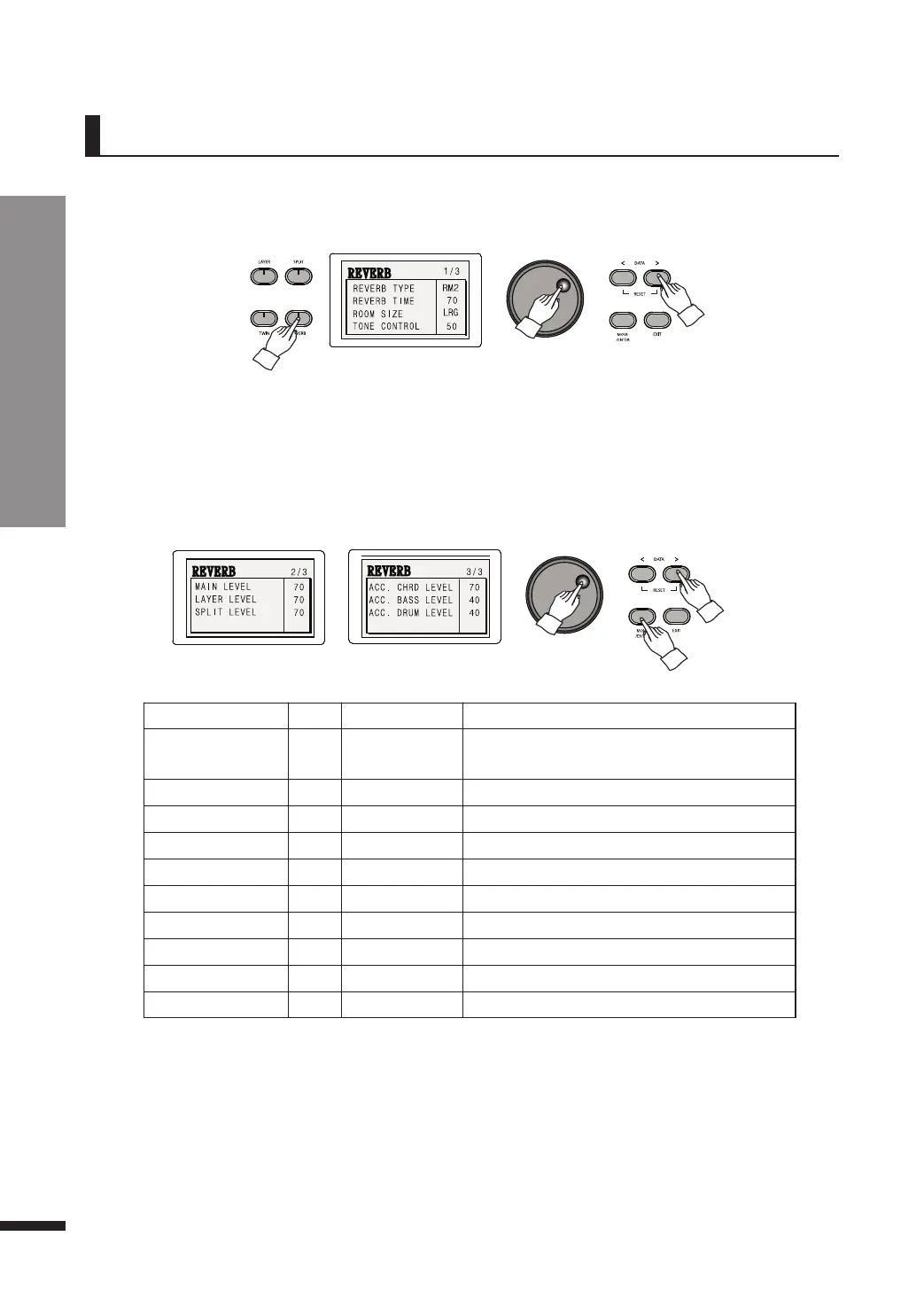
w Adjust the parameters as desired.
Press MOVE/ENTER to move through the fields and use the DATA buttons or DATA wheel to adjust the
value of current field.
Parameter Default Range Description
REVERB TYPE HL1
HL1, HL2, HL3,
ST1,ST2, RM1, RM1
Determines the type of reverb
REVERB TIME 24 0~100 Determines the duration of reverb
ROOM SIZE MED SML, MED, LRG Determines the depth of reverb
TONE CONTROL 50 0~100 Determines the tone of reverb
MAIN LEVEL 70 0~100 Reverb strength of the main voice
LAYER LEVEL 70 0~100 Reverb strength of the layered voice
SPLIT LEVEL 70 0~100 Reverb strength of the split voice
ACC. CHRD LEVEL 45 0~100 Reverb strength of the auto-accompaniment chords
ACC. BASS LEVEL 40 0~100 Reverb strength of the auto-accompaniment bass
ACC. DRUM LEVEL 40 0~100 Reverb strength of the auto-accompaniment drums
☞ Pressing both DATA UP/DOWN simultaneously will restore the default value.
☞ Keep a DATA button pressed to quickly run through the values.
☞ After displaying a menu for 3 seconds, the LCD automatically turns it off. If you want to disable this and would like to
stay on the menu, press DISPLAY HOLD.
☞ Press EXIT to exit the Reverb menu. This does not turn off the Reverb feature itself.
Reverb Settings
The Reverb menu allows the adjustment of several reverb-related parameters.
☞ 7 types of reverb exist, including Hall 1, Hall 2, Hall 3, Studio 1, Studio 2, Room 1 and Room 2.
q Press and hold down REVERB until the Reverb menu pops up.



 To Next Page