n Playback
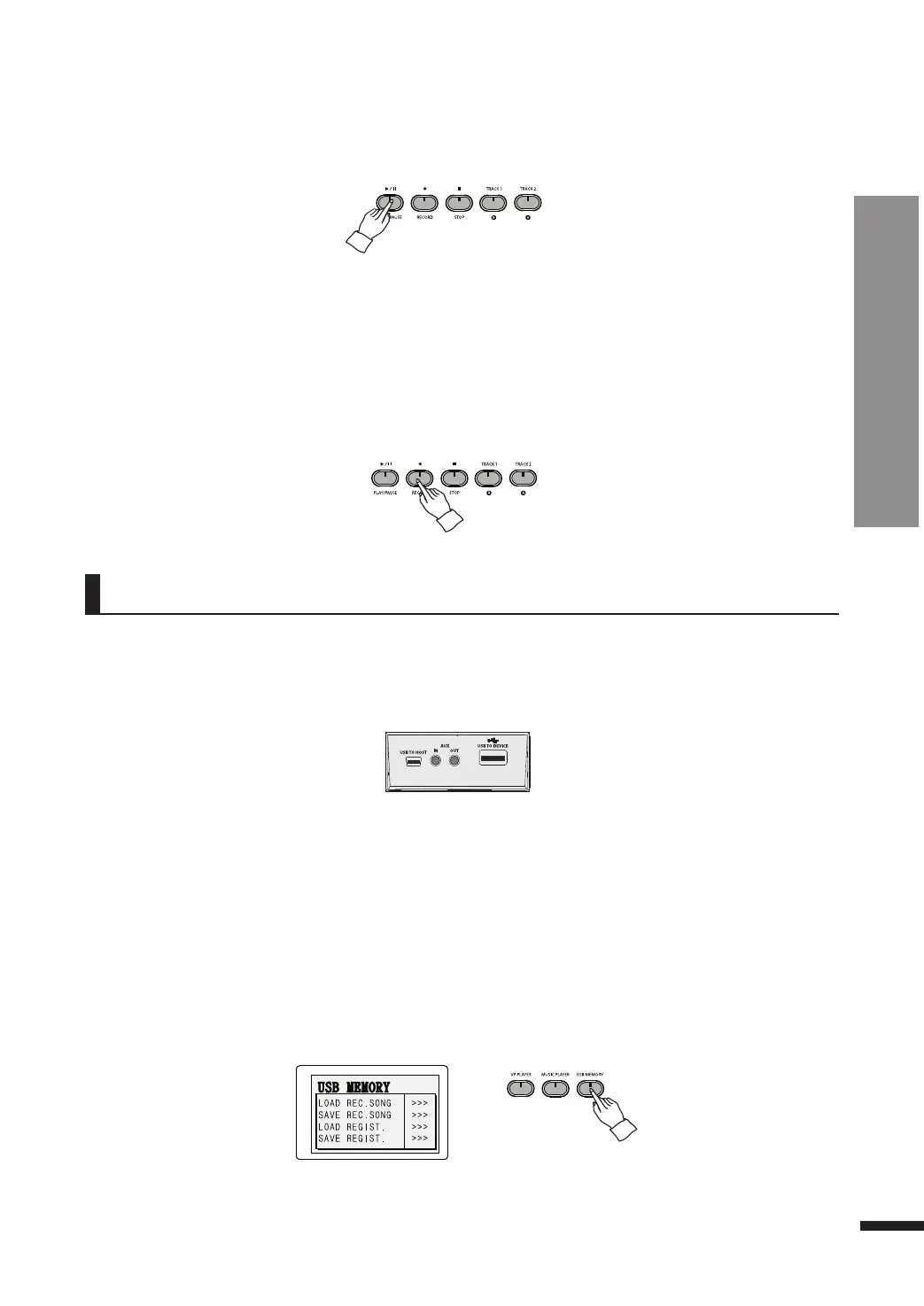
Press PLAY/PAUSE to hear the recorded tracks.
☞ Press STOP to stop the playback.
☞ The tracks are not erased by turning off the piano.
i Exit recording mode.
Press RECORD again to quit recording and return to performance mode.
Saving To USB
The recorded music may be saved to a USB flash memory, which may be recalled to be played anytime.
q Insert the USB memory to the USB-TO-DEVICE terminal.
w Call up the USB memory menu.
Press the USB MEMORY button. The LCD will show the USB memory menu.
☞ The USB memory feature cannot be accessed while RECORD is active.
☞ The use of the bundled USB memory is recommended.
☞ The USB MEMORY button does not work if no USB memory is detected.
☞ Do not try to force the USB memory in or out of the slot.
☞ Do not remove the USB memory when it is being accessed. Doing so may corrupt the data inside.
u Erasing
Press and hold down a TRACK button until a 'bell' rings to erase the corresponding track.
Press and hold down the RECORD button until a 'bell' rings to erase all tracks.
RECORD
Recording/Playing / Saving To USB
45



 To Next Page