17
☞ Pressing both DATA UP/DOWN simultaneously will restore the default value.
☞ Keep a DATA button pressed to quickly run through the values.
☞ After displaying a menu for 3 seconds, the LCD automatically turns it off. If you want to disable this and would like to
stay on the menu, press DISPLAY HOLD.
☞ Press EXIT to exit the Layer menu. This does not turn off the Layer feature itself.
☞ Pressing LAYER again while in the Layer menu will turn off the menu.
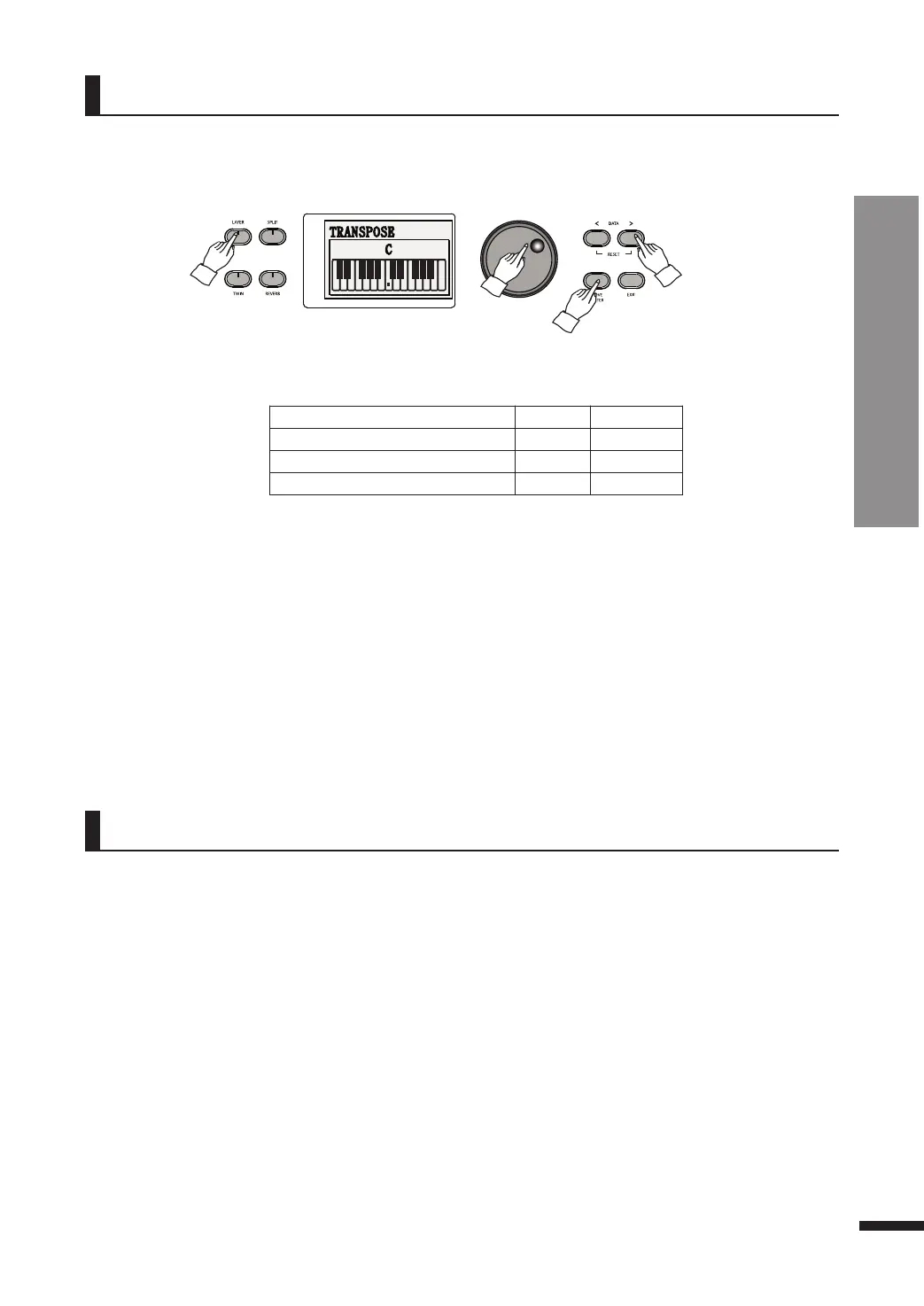
q Press and hold down LAYER until the Layer menu pops up.
w Adjust the parameters as desired.
Press MOVE/ENTER to cycle through the fields and use the DATA buttons or DATA wheel to adjust the
value of current field.
☞ Pressing the VOICE buttons while in the Layer menu selects the layer voice.
Layer Settings
Parameter Default Range
LAYER VOLUME
70 0~100
PEDAL FUNCTION
ON ON, OFF
OCTAVE SHIFT
0 -2~0~+2
3 OCTAVE SHIFT
The layered voice may be moved up or down in octaves, independently from the main voice.
2 PEDAL FUNCTION
This determines whether the effect of the sustain pedal is applied to the layered voice.
1 LAYER VOLUME
This determines the volume of the layered voice.
☞ This also may be done by using the Mixer. Refer to page 21.
Split
Split divides the piano keyboard into two sections, and allows the player to assign different voices to
each of the sections. For example, by using Split the melody part on the right could be played in
piano voice while the accompaniment on the left sounding in acoustic bass voice.
Using Split
q Choose the desired main voice first. The main voice will be assigned to the right part.
Refer to page 15 for voice selection.
w Press SPLIT. The button will turn on.
e Choose the desired Split voice (that is, the left part voice).
Refer to page 15 for voice selection.
☞ The default split voice is Acoustic Bass.
☞ Select the split voice while the corresponding voice button is flashing.
Refer to the description on selecting the layer voice on page 16.
r Press SPLIT again to turn off split.
The button will turn off to indicate that the split is no more active.
Basic Controls
Layer Settings / Split
The Layer menu allows the adjustment of several layer-related parameters.



 To Next Page