29
Function
Scale Tune
MIC.SETTING
Setting related to Microphone usage may be adjusted.
MIC.SEETTING
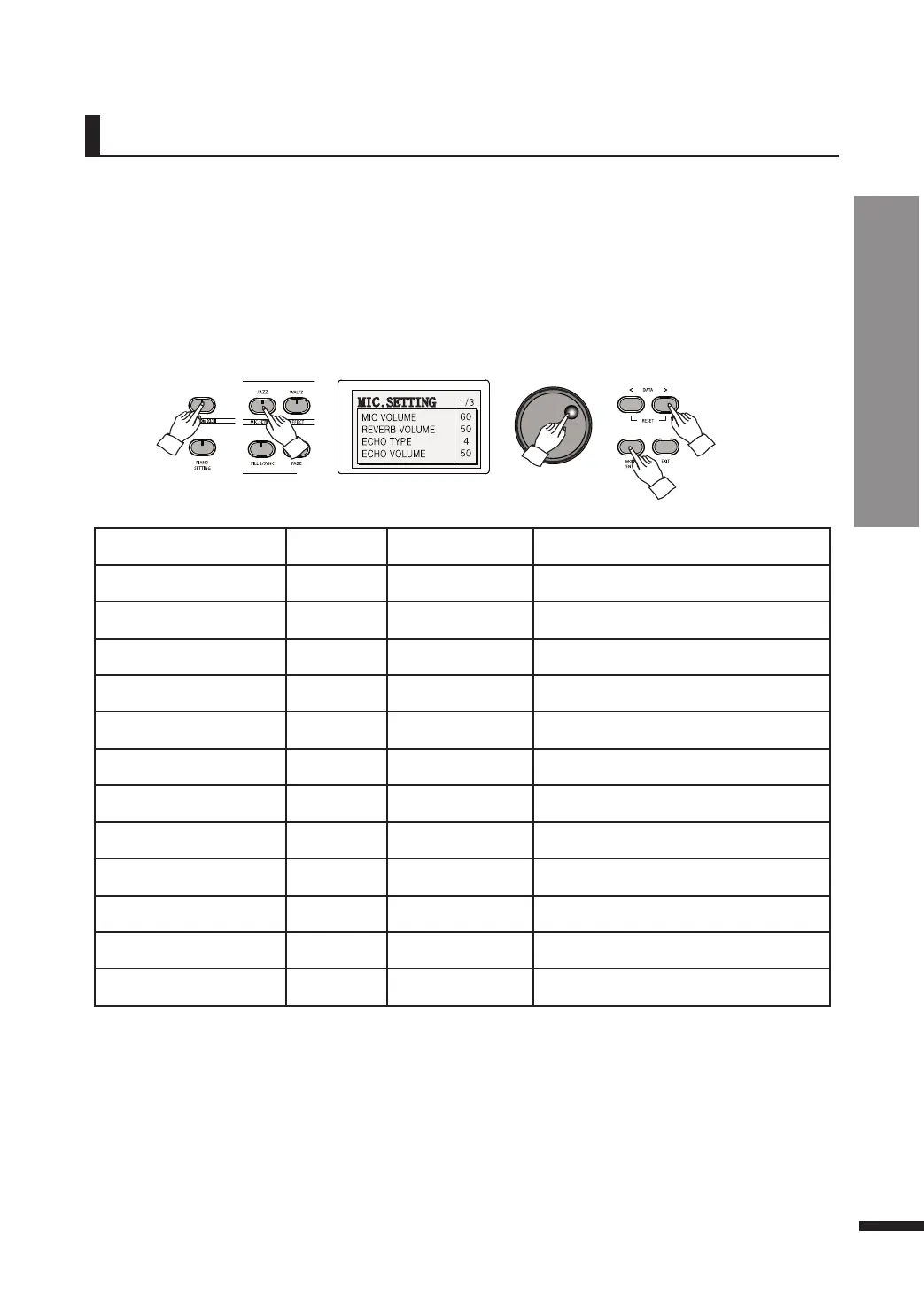
Press FUNCTION, then press MIC.SETTING to call up the mic.setting menu.
Use the MOVE/ENTER button to reach the desired value.
Parameter Default Range Description
MIC VOLUME 60 1~100
Microphone sound control
REVERB VOLUME 50 1~100
Microphone reverb sound control
ECHO TYPE 4 OFF, 1~4
Types of microphone reverberation
ECHO VOLUME 50 1~100
Microphone reverberation sound control
VOICE CHANGER OFF OFF 1~9
Voice change settings
V.CHANGER VOL. 100 1~100
Voice change sound control
COMPRESSOR TYPE OFF OFF, 1~9
Types of compressor
EQ ON/OFF OFF ON, OFF
EQ settings check
EQ LOW 87 1~100
EQ lower register sound control
EQ MID-LOW 50 1~100
EQ lower midrange register sound control
EQ MID-HIGH 63 1~100
EQ upper midrange register sound control
EQ HIGH 87 1~100
EQ upper register sound control



 To Next Page