44
RECORD
Recording/Playing
Recording/Playing
Record
The piano features an extensive recording system to
record the player's performance.
The recordings may be saved to a USB flash memory for
convenience, and saved recordings may be recalled for
playback at user's discretion.
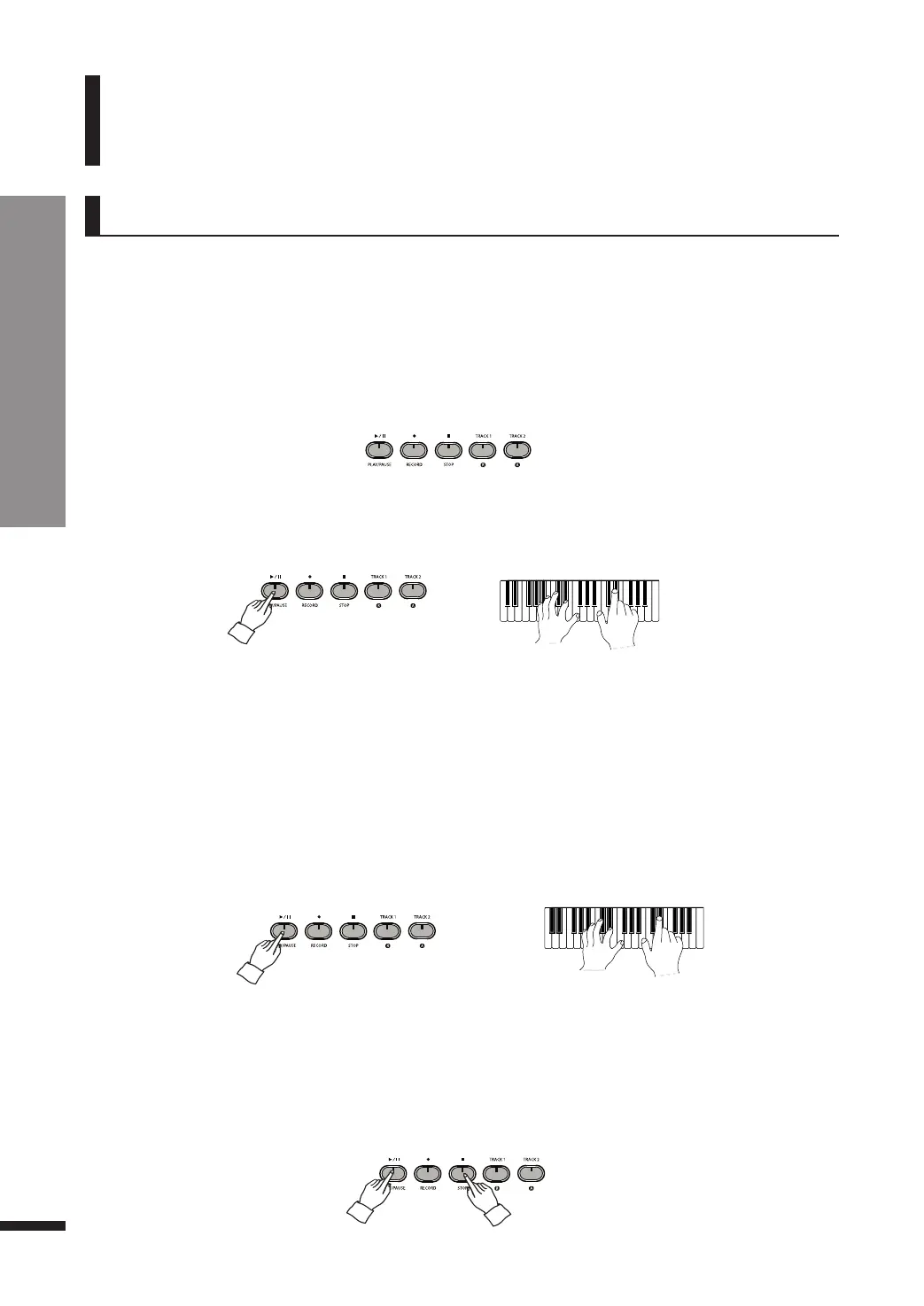
If desiring to hear what is recorded in Track 1, press PLAY/PAUSE once again.
☞ Press STOP to stop the playback.
e Leave Track 1.
Press the PLAY/PAUSE or STOP button to stop recording to Track 1.
r Record to Track 2.
Press TRACK2 to trigger the button. Then play a key, or press PLAY/STOP to begin recording.
☞ If you want to mute track 1 while recording to track 2, press TRACK1 again to turn it off.
☞ Recording will terminate if the piano is not played for a long time.
q Preparation
Choose the voice(s) that you wish to use for recording, and press RECORD.
The button will turn on, and the TRACK1 button will begin flashing. The Layer and Split features may
be used for recording.
☞ A flashing TRACK button indicates that its corresponding track is ready to record.
☞ Two recording tracks are available, each able to save up to 9,000 notes.
w Record to Track 1.
Play a key, or press PLAY/PAUSE to begin recording.
☞ Recording will terminate if the piano is not played for a long time.
t Leave Track 2.
Press the PLAY/PAUSE or STOP button to stop recording.



 To Next Page