Basic Controls
GM Voices / Layer
16
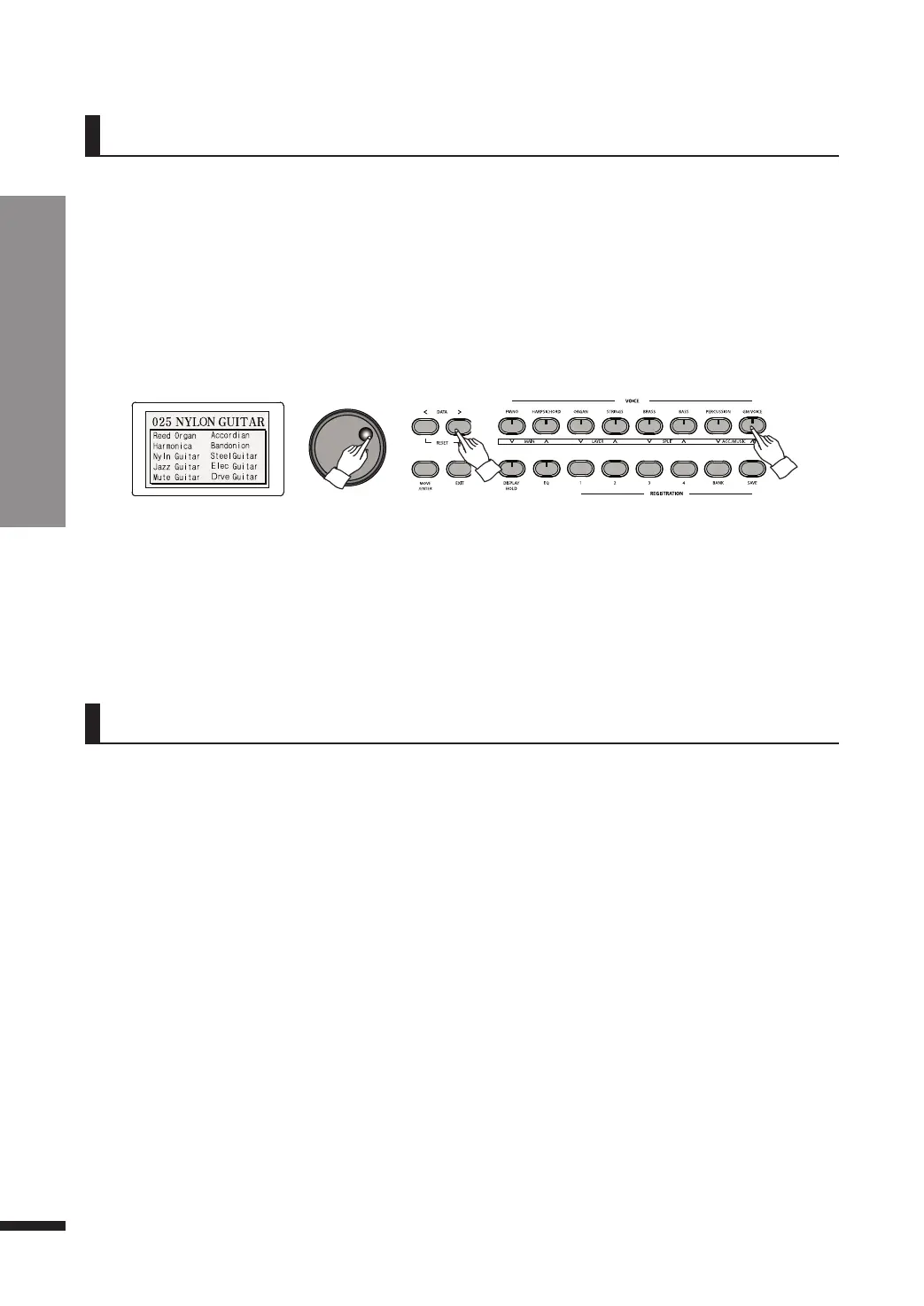
GM Voices
The piano is also equipped with the 128 voices that are fully compatible with the international
standard GM (General MIDI), which may be recalled by pressing the GM VOICE button.
Selecting a GM Voice
q Press GM VOICE.
The LCD will display a list of 10 GM voices, including the currently chosen voice.
☞ Default: 025 Nylon Guitar
w Use the DATA buttons or DATA wheel to select the desired voice.
☞ Refer to the GM voice list on page 53.
☞ After displaying a menu for 3 seconds, the LCD automatically turns it off. If you want to disable this and would like
to stay on the menu, press DISPLAY HOLD.
☞ Your last choice of GM Voice will be retained until the piano is turned off (unless the KEEP SETTING feature is
enabled, in which case it is retained permanently).
Layer
Layer allows the player to sound two voices simultaneously when playing a key.
q Choose the desired main voice first.
Refer to page 15 for voice selection.
w Press LAYER.
e Choose the desired layer voi
ce to be played simultaneously with the main
voice. Refer to page 15 for voice selection.
☞ T
he
d
e
fault
la
ye
r voi
ce
is Slow St
r
ings
.
☞ W
he
n the
L
AY
ER but
t
on is
p
re
s
s
ed
,
t
he voi
ce
b
ut
t
on corresponding to current layer voice will begin flashing for seconds.
A voi
ce
chose
n
via
t
he
voi
ce
b
ut
t
ons
dur
i
ng
t
hi
s
t
i
mespan will become the layer voice. After the flashing had gone out,
choosi
ng a
voice
wi
l
l affe
ct
the ma
i
n voice.
You ca
n s
t
il
l
change your
voice
b
y ent
e
ring the
L
aye
r
menu, or turning the layer off and on again. Refer to page 17.
r Press LAYER again to turn off layer.
The button will turn off to indicate that the layer is no more active.



 To Next Page