MUSIC PLAYER Playing MP3/MIDI files
53
y Press STOP to stop the playback.
☞ The piano needs to convert MIDI files in SMF 1 format into SMF 0 before it could be played. Therefore it will require some
time for the conversion (10-60 seconds depending on size).
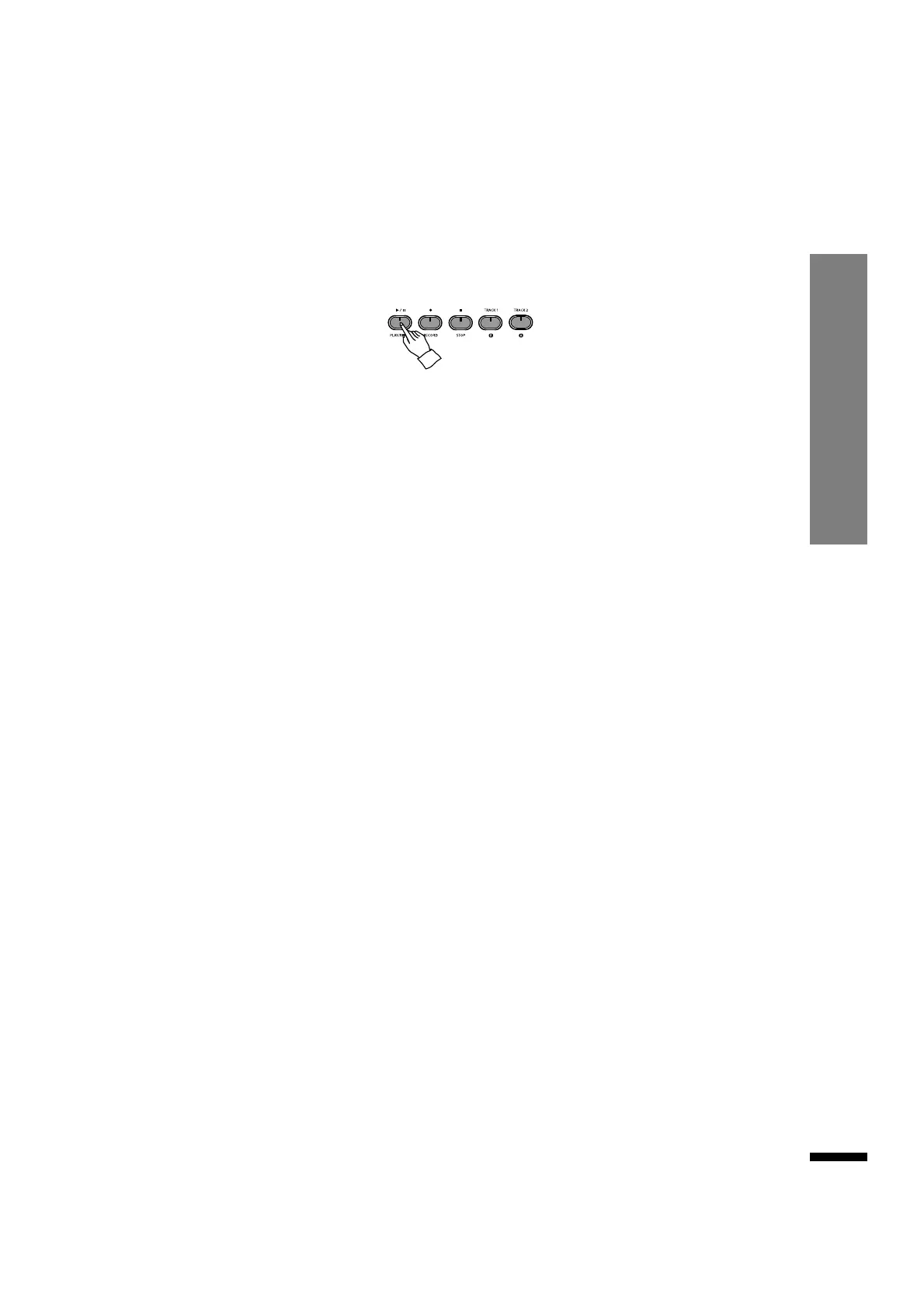
r Play the chosen MP3/SMF file.
Press PLAY/PAUSE to start playback.
Repeating
To repeat a piece, press TRACK1/R. The button will turn on, and once a piece is over it will be played
again.
Playing all pieces in succession
To play all pieces in the folder in succession, press TRACK2/A. The button will turn on, and once a
piece is over it will be followed by the next piece in the folder, continuing until the end of the folder
is reached.
Adjusting music file playback volume
Press MIXER to call up the Mixer menu, then use the ACC.MUSIC buttons to adjust playback
volume.
☞ Alternatively, use the DATA buttons to adjust the volume.
☞ Available range is 0 - 100, with 80 as default.
☞ Refer to page 21 for details on MIXER.
t To move to a different folder, select '..' on the first of the list and press MOVE/ENTER to move to
the parent folder, where you may choose another folder to enter.



 To Next Page