Eaton 9155 UPS (8–15 kVA) User’s Guide 164201553—Rev H0 73
1. Press the button to select the Go To Normal Mode option.
2. Press the
button until the Eaton logo or Mimic screen appears.
77..22..44 MMaaiinntteennaannccee BByyppaassss SSttaarrttuupp
To start the UPS in maintenance bypass (UPS-mounted operation):
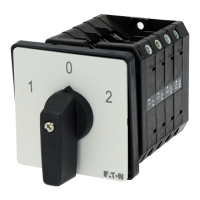
1. Verify that the maintenance bypass switch is in the BYPASS position (see Figure 52).
2. Switch ON the utility power where the UPS is connected.
The load is now powered by utility power.
3. To transfer the load to the UPS, see 7.4.2 Transfer the load from maintenance bypass to the UPS.
77..33 UUPPSS SShhuuttddoowwnn
1. Press any button on the front panel display to activate the menu options.
2. Press the
button on the front panel display and then press the button to select the TURN UPS ON/
OFF menu.
3. Press the
or button to select the TURN UPS OFF option; press and hold the button for three
seconds, until the UPS stops beeping.
The input contactor opens.
4. Repeat Step 3, two times.
5. Switch the UPS battery circuit breaker to the OFF position.
The UPS is disconnected from the batteries and is on logic power only.
6. Switch Off the utility power where the UPS is connected.
77..44 UUPPSS BByyppaassss OOppeerraattiioonn
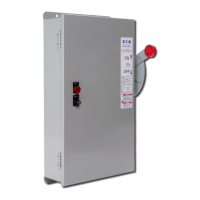
The UPS-mounted maintenance bypass switch is part of the optional Maintenance Bypass Module (MBM) or
Power Distribution Module (PDM) and is located on the back of the UPS (see Figure 52).
UPS Operating Instructions



 To Next Page