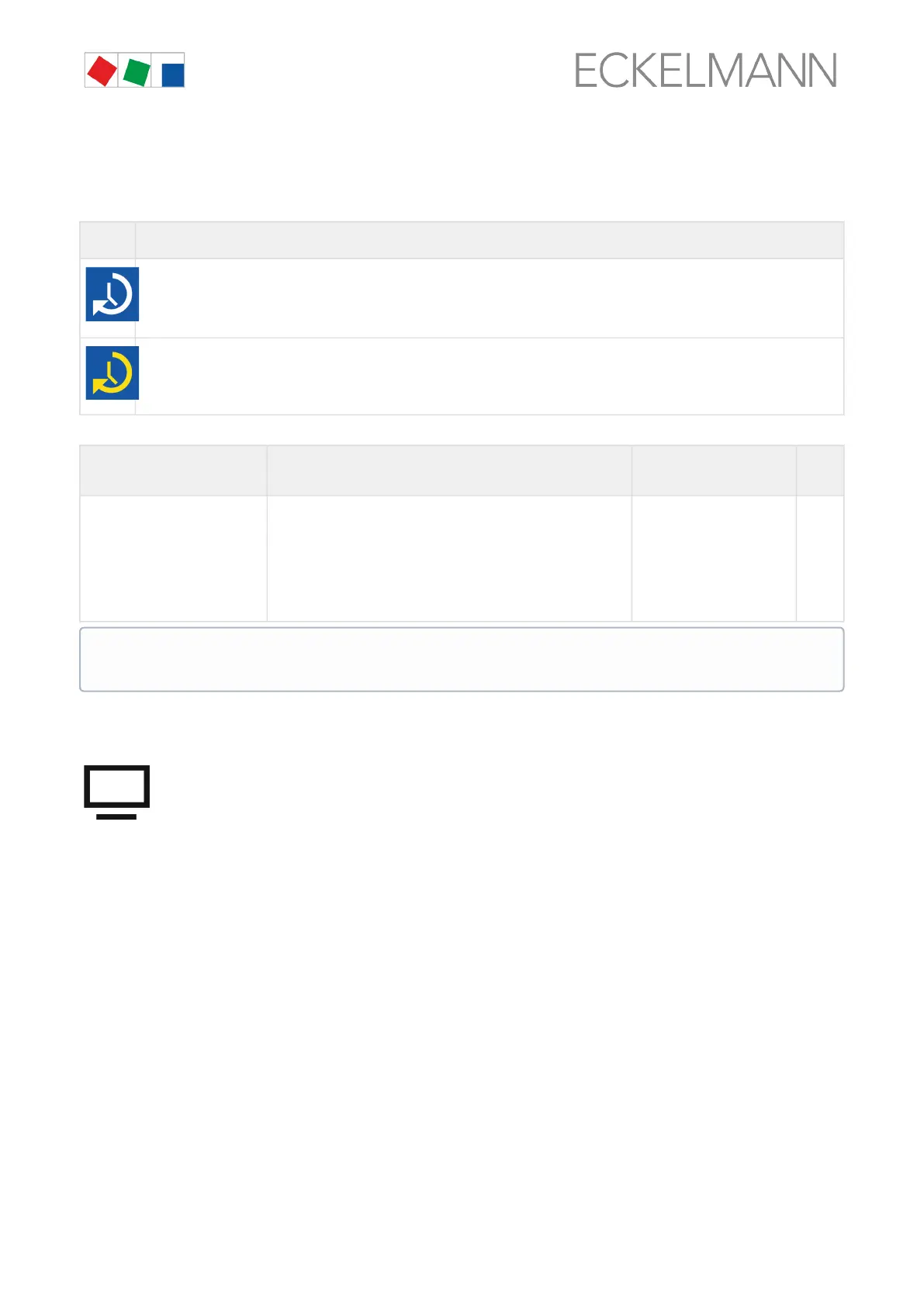
9.1.2.1 Service mode - suppression of remote alarm signalling
After the login, another symbol is shown automatically on the left next to the padlock; this symbol is used in the
service mode for suppression of the remote alarm signalling.
Symbol
s
Description
This button is not displayed until after successful login to the device. The remote alarm signalling is active if the symbol is
white.
The symbol must be tapped to activate the suppression of the remote alarm signalling.
If the symbol is yellow, the remote alarm signalling has been deactivated for a duration selected by the user and remains visible
in the display until the delay time has elapsed.
The screen contains the following parameters
Login Input Defaul
t
Delay [min.] Input of the delay time for suppression of the remote alarm
signalling. The symbol is yellow if service mode has been
activated.
Service mode is deactivated again by input of 0 minutes,
the symbol becomes white again and all alarms are then
forwarded again immediately via modem, network, relays or
horn!
0, 1..255 60
9.1.3 Remote control of E*LDS components (terminal mode)
The remote control in the respective menus must first be called up to display (Read only - Menu 2-2,
2-3, 2-4, 2-5) or configure (Menu 4-2, 4-3, 4-4, 4-9) an E*LDS component. Pressing the "Remote Control"
button opens terminal mode using which the selected E*LDS component can now be communicated with
directly.
The service mode can also still be active (yellow symbol) if the system centre is locked down. See
chapter Service Mode for further details about the suppression of the remote alarm signalling.


 To Next Page