Basic operation
30
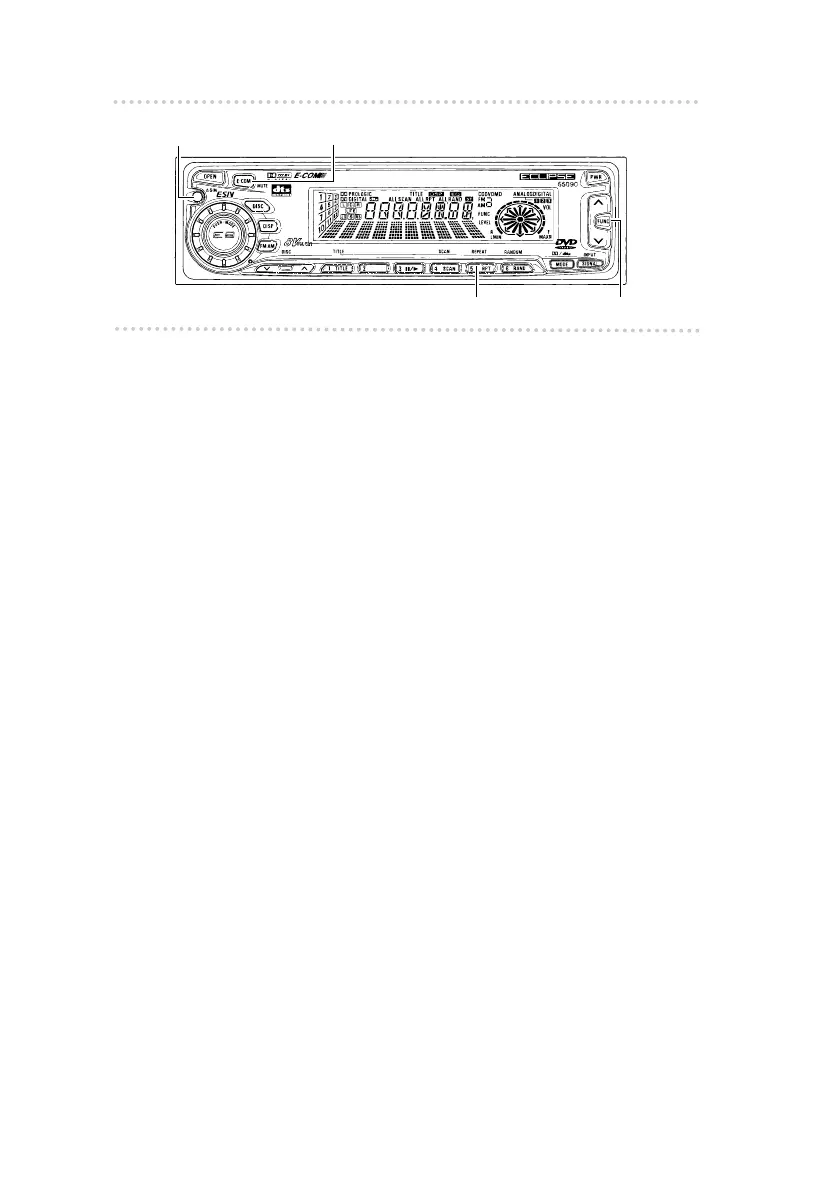
Button [5]
[FUNC] button
[ASM] button
[E-COM] button
t Switching Non-Fader modes
1 . Press the [FUNC] button.
2 . Press button [5] to switch the phase.
3 . Press the [FUNC] button.
Pressing the button will cancel Function mode.
t Disabling the Tone Control Cancel feature
1 . Press the [FUNC] button.
2 . Press the [ASM] button to switch on or off.
3 . Press the [FUNC] button.
Pressing the button will cancel Function mode.
t Enabling E-COM feature
1 . Press the [E-COM] button for one second.
Pressing the button will switch the E-COM feature on or
off.



 To Next Page