ETEK5 OLED BOARD
36 ETEK5 MANUAL
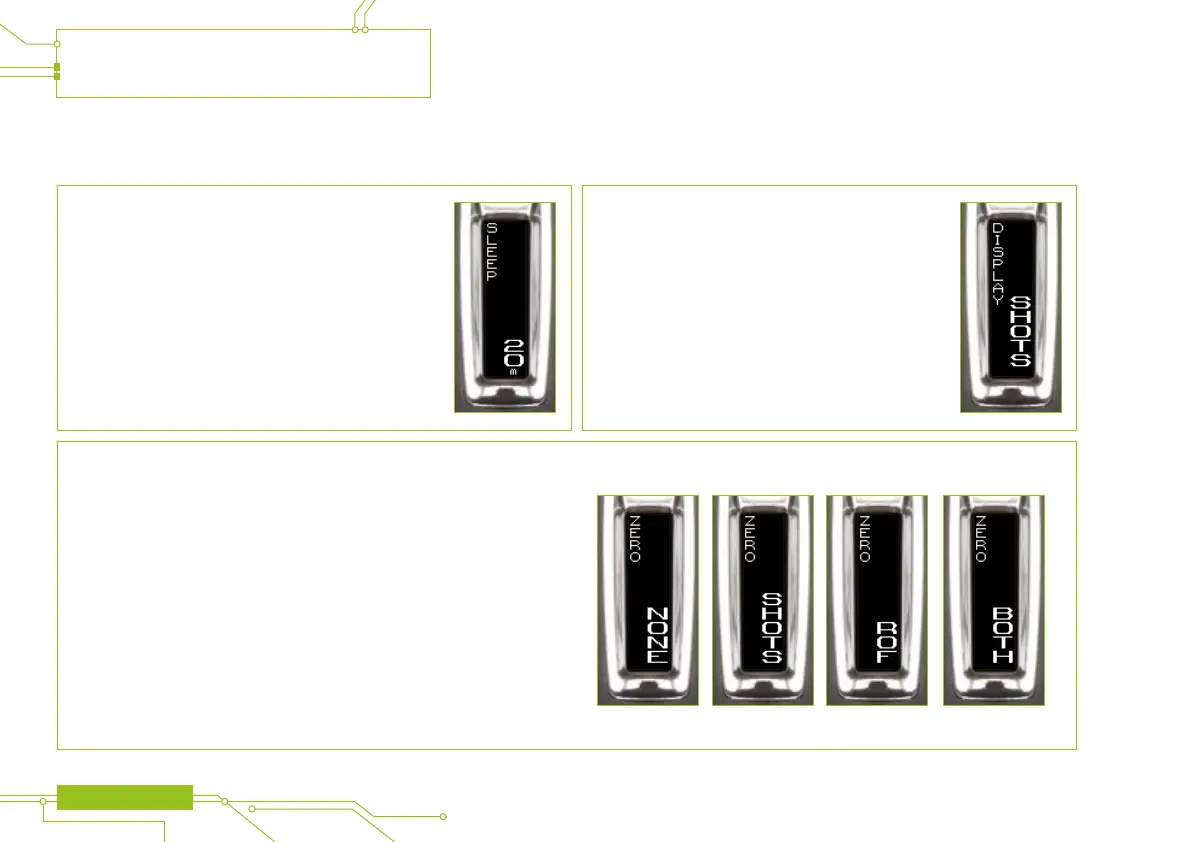
ZERO
Allows the user to reset the counters and indicators.
• NONE: Don’t zero anything
• SHOTS: Zero the shot counter
• ROF: Zero the ROF indicator
• BOTH: Zero both the shot counter and the ROF indicator
SLEEP
Auto power off time in minutes (m).
• Available range: 0 - 60 m
• Default setting: 20 m
DISPLAY
Denes what information is displayed on the run screen.
• SHOTS: Disply the shot counter
• ROF: Display the ROF indicator
CONTINUED


 To Next Page