EN_
810G20 - Version V5 – Juillet 2020 P. 52
Traduction de la notice originale
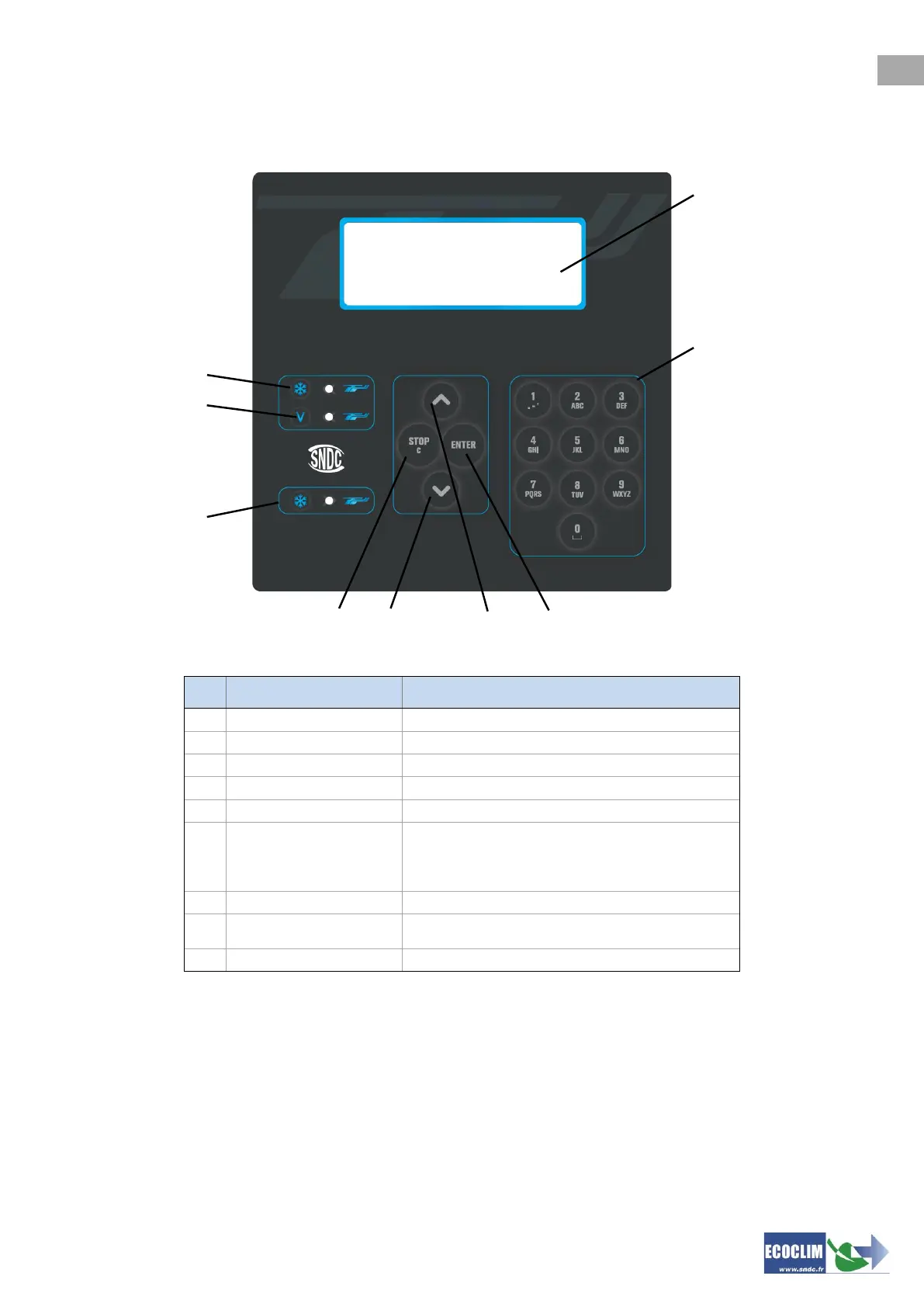
6.3. Control panel
Menus and functions display
Editing quantities / values
Validation of menu, function or quantities
Stop a function, correct and return during
programming.
Press for 3 seconds interrupts and reboot
the unit.
Signals refrigerant charge stage
Flashing LED signals that the relevant stage is in operation.
Continually Lit LED signals that the relevant stage is programmed.
A LED that is unlit signals a stage that is not programmed or already performed.



 To Next Page