EN_
810G20 - Version V5 – Juillet 2020 P. 58
Traduction de la notice originale
8.4. Messages and error codes
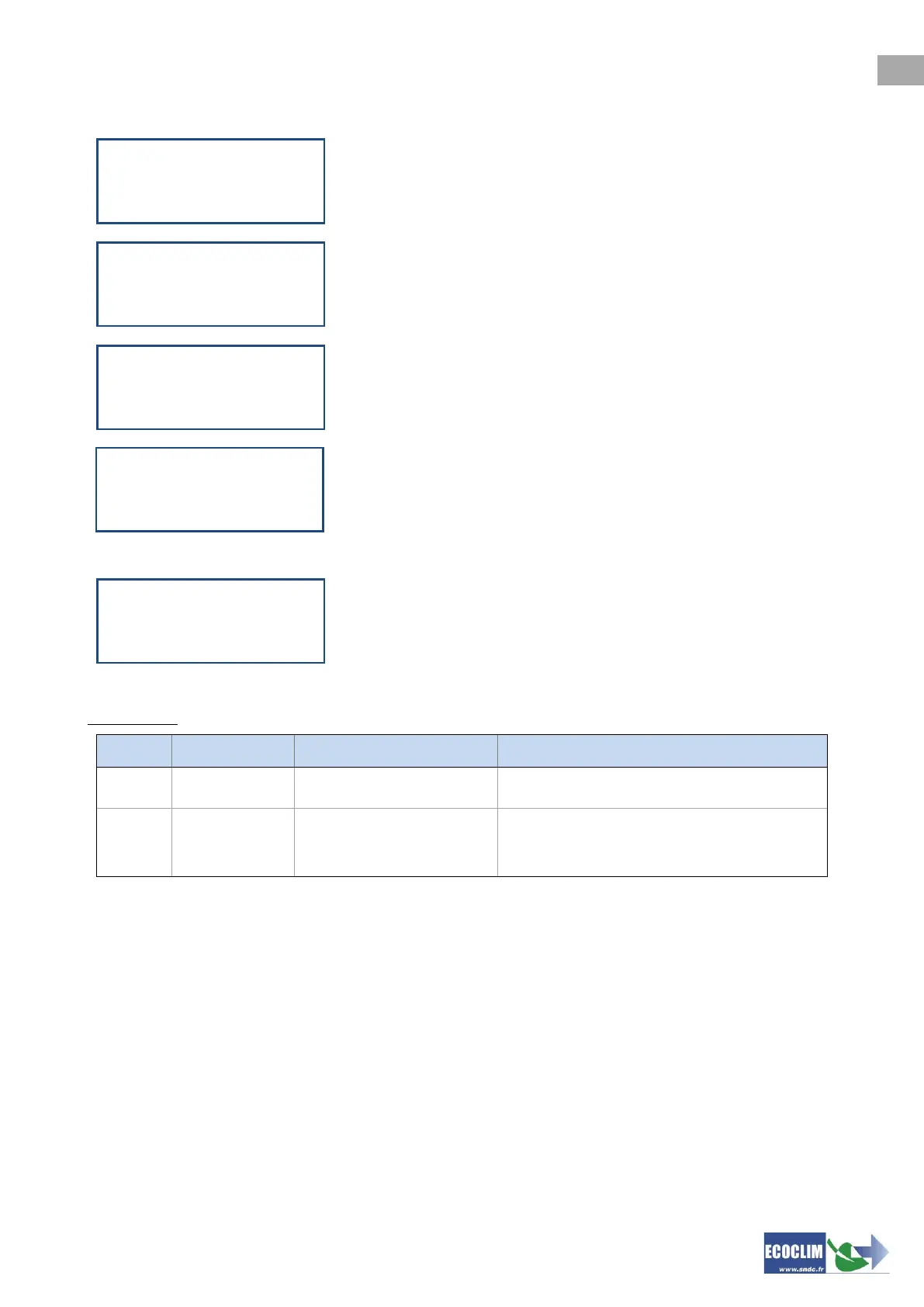
The quantity of refrigerant in the tank is not enough to complete the task.
Press STOP to stop the current operation. Perform a refrigerant transfer
to fill the tank. Refer to chapter 9.3
This message indicates that the remaining available capacity in the tank
is low. The service station will fail to recover a large amount of
refrigerant.
This indicates that the refrigerant tank is reaching maximum capacity.
This indicates that the recovered oil container is almost full. To recover
refrigerant or flush a circuit, first empty the container then continue by
pressing ENTER.
This message appears when maintenance is required either by:
• Replacing the filter drier
• Replacing the oil in the vacuum pump
• Annual unit Maintenance
Press ENTER to access the home page.
Refer to Section 11.2.1 Maintenance information
Switch contact opened at
start up
Switch: faulty, absent or not connected
Overpressure: P>18 bar
Compressor discharge
Tank closed,
excessive level of refrigerant,
Excessive amount of non-condensable in
tank
Refrigerant level
too low
ENTER: Continue
STOP: Abort
Refrigerant level
too high
ENTER: Continue
STOP: Abort
Recovering
High tank level
ENTER: Continue
STOP: Abort
Waste oil level
too high
ENTER: Continue
STOP: Abort
Please check
Maintenance menu



 To Next Page