EasyManua.ls Logo

ECOCLIM AC134HD - Page 57

Default Icon
Print Icon
To Next Page IconTo Next Page
To Previous Page IconTo Previous Page
Loading...
EN_
810G20 - Version V5 Juillet 2020 P. 57
Traduction de la notice originale
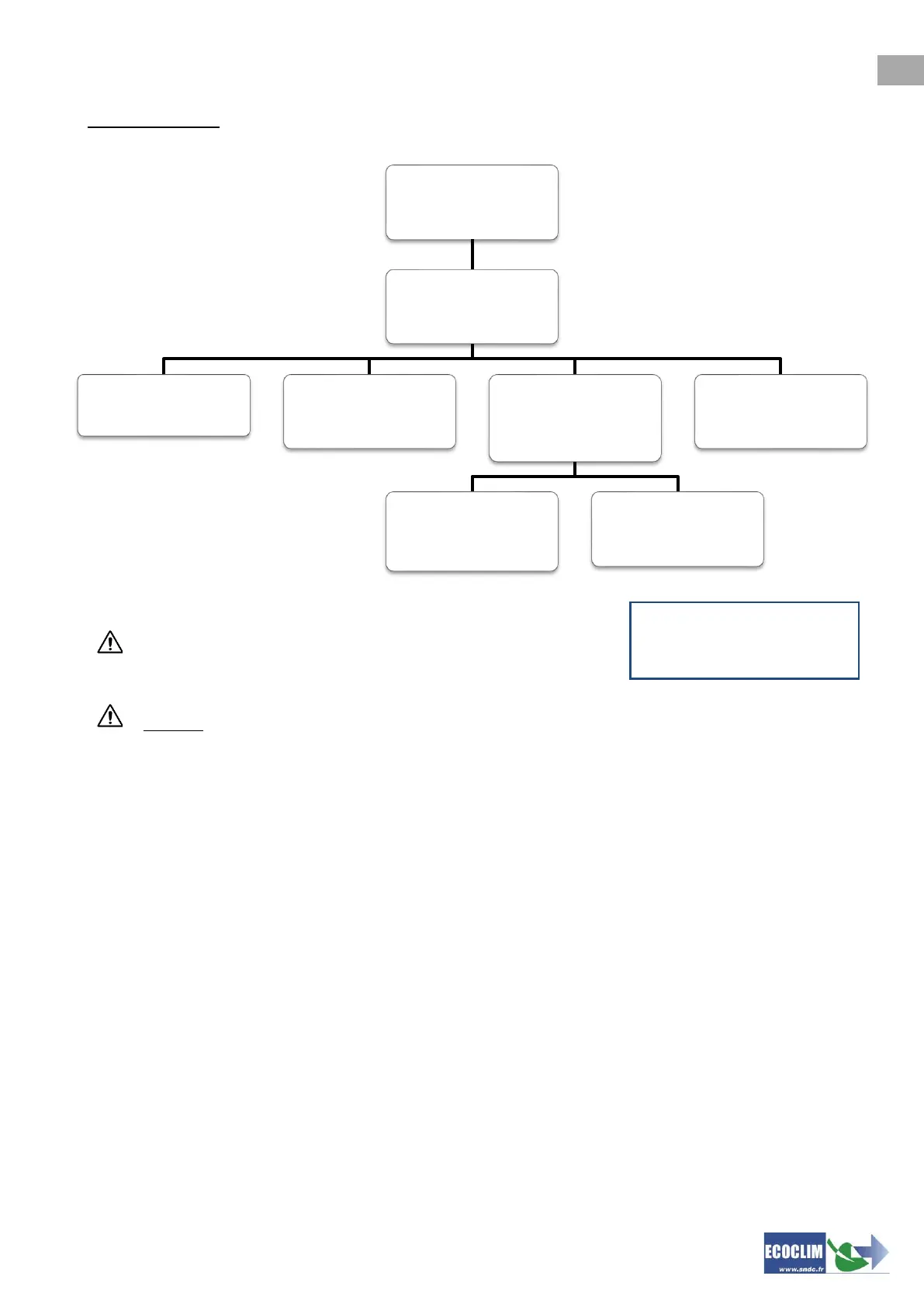
Menu’s overview
An arrow at the bottom right of the screen indicates that other
menus are available. Press the key of the keypad to bring up
the following list.
To select a task, press the number that corresponds to the line.
Example: Press number 1 to select the “New operation”.
Refrigerant 10800 g
Tank 3.1 bar
>> MAIN MENU <<
1.ECS Operation
2.History
3.Settings
4.Tools
>>ECS OPERATION<<
1.New operation
2.Refrig. transfer
>> HISTORY <<
1.Operations history
2.Fluid Report
3.Date report
4.Export to USB
>> SETTINGS <<
1.User settings
2.Maintenance
3.Machine revisions
4.Root settings
5.Language
>>USER SETTINGS<<
1.Date and time
2.Printer settings
3.Machine settings
>> MAINTENANCE <<
1.Maintenance info
2.Reset Maintenance
3.Counteurs
>> TOOLS <<
1.Uncondensable Vent
2.Weighing sensors
3.Pressure sensors
>> ECS OPERATION <<
1.New operation
2.Refrig transferã

Table of Contents