EN_
810G20 - Version V5 – Juillet 2020 P. 69
Traduction de la notice originale
Input date and press ENTER. Unit print all operations corresponding to
the selected date.
10.4. Export => USB
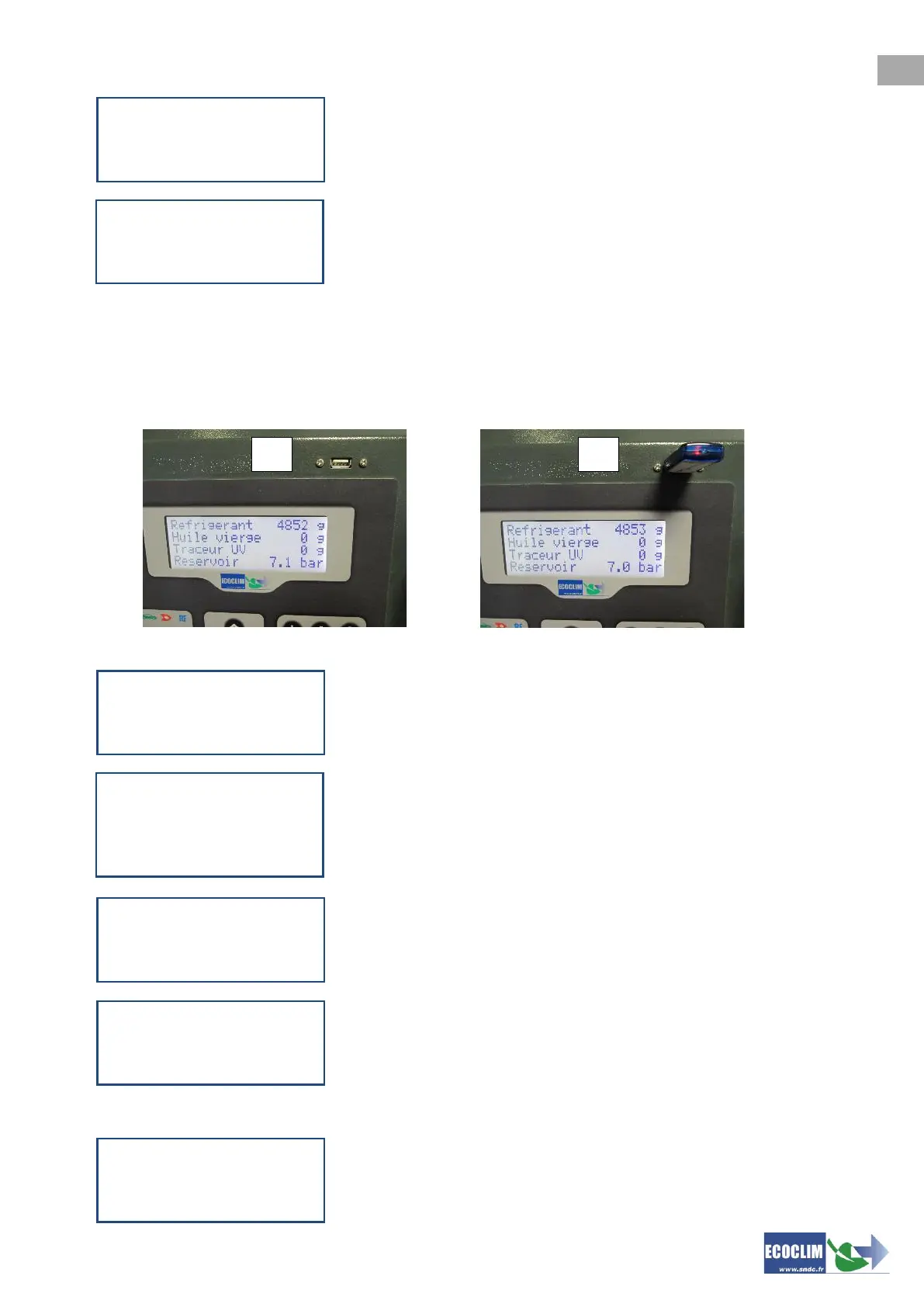
This task allows, by means of a USB key, to copy the operation history in an Excel format.
(1) Remove the USB cap above of the control panel
(2) Connect a USB key.
From the homepage, access the menu by pressing ENTER.
Files are being exported.
At the end of the task, the unit displays the recent export, then returns
to the >> HISTORY << screen.
NB: If no USB key is connected while programming the export, the unit will display the message:
Connect or reconnect the USB key, then restart the task. If error
continues, restart the machine.
>> HISTORY <<
1.Operations history
2.Fluid report
3.Date report ã
SELECT DATE :
Day ?
01/12/2016
STOP:<- ENTER:->
>> MAIN MENU <<
1.ECS Operation
2.History
3.Settings ã
>> HISTORY <<
1.Operations history
2.Fluid report
3.Date report
4.Export to USB



 To Next Page