enter corresponding calibration mode.
2.In soil moisture sensor display mode, select the setup button will enter the
calibration mode.
3.For the calibration setting of each kind of sensor, please refer to the
corresponding sensor manual on our website.
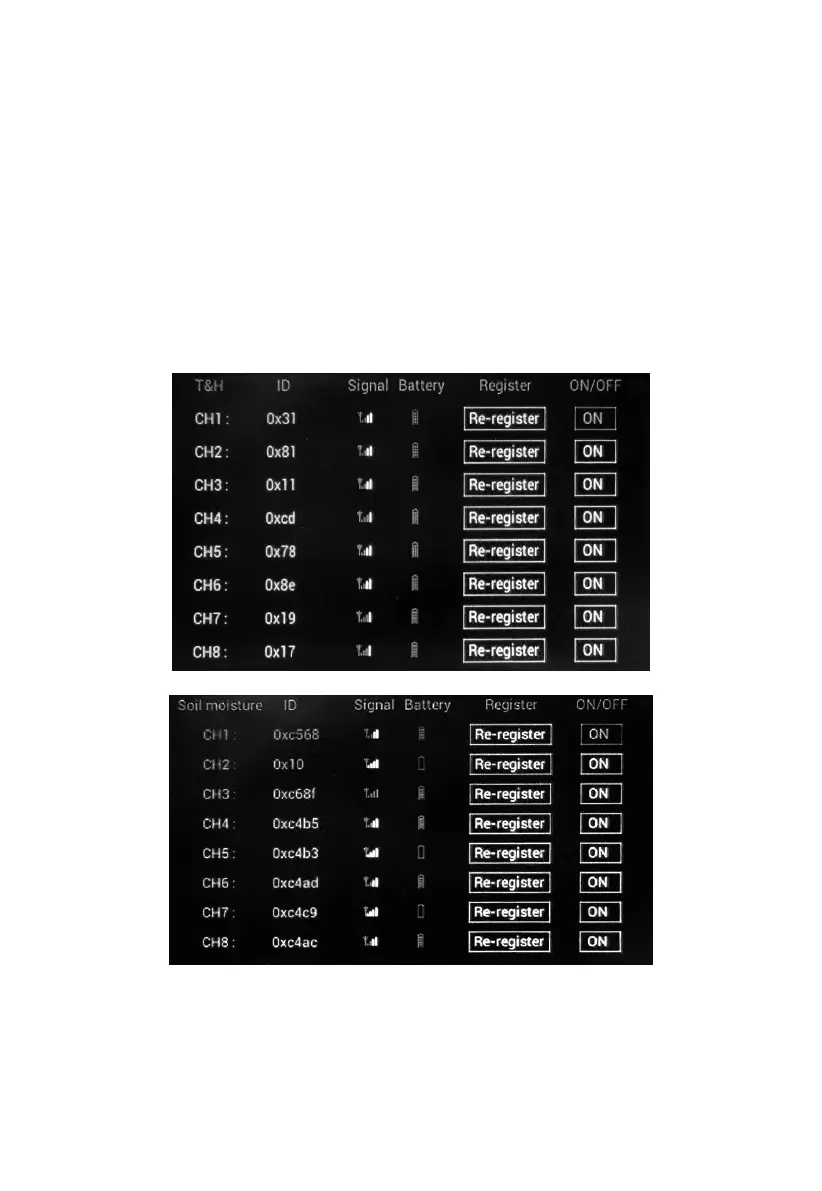
5.9.1 Sensor management mode for optional sensors(s)
In each optional sensor(s) display mode, hold the TEMP/- button for 5
seconds will enter sensor management mode:



 To Next Page