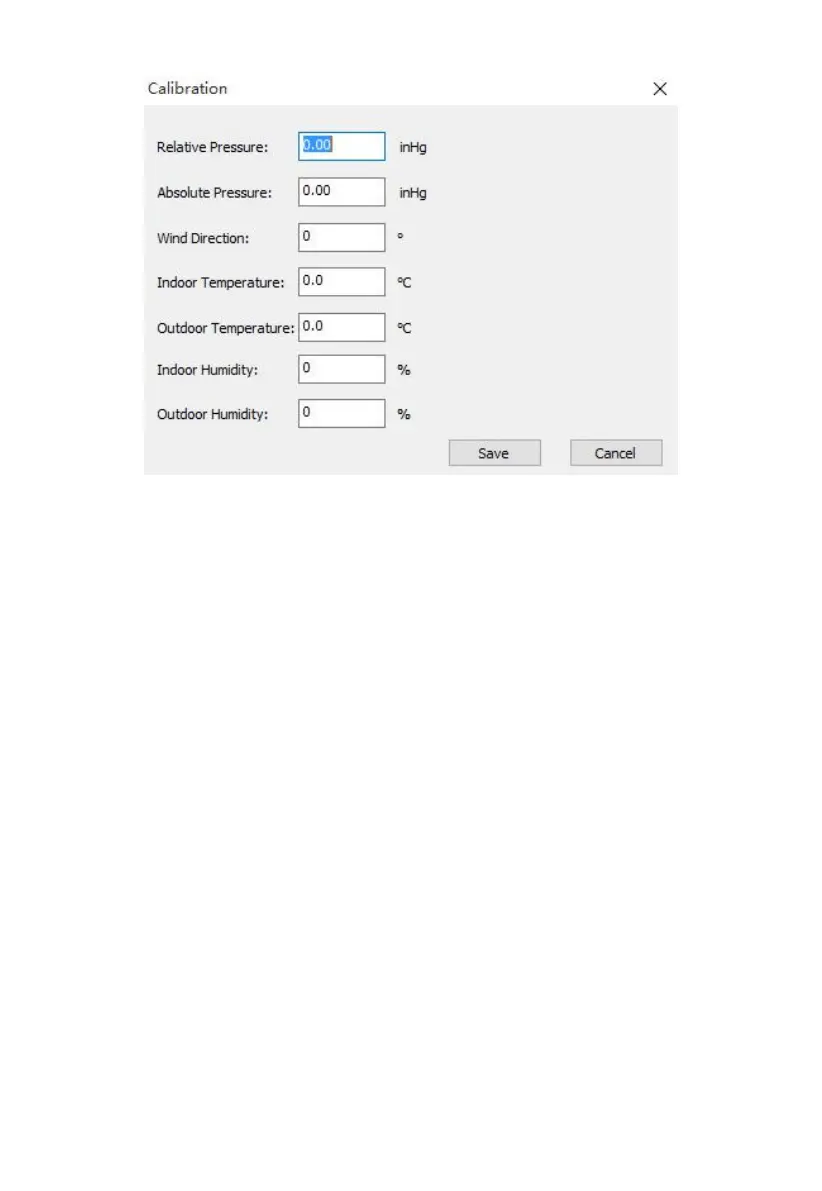
Figure: Calibration Settings screen
Any changes you make here will be reflected in the console. Note that when
using the console, you will generally change the value displayed using “+”,
or “-” buttons, but here you will instead edit the amount of change that you
“dialed in” on the console. For example, if you changed a displayed
temperature by pressing the “+” button three times, you effectively caused
0.3 to be added (3 times 0.1). So here, you will see a value of 0.3.
The Absolute Pressure offset will be added to the value of the pressure
sensor in the console to determine the absolute pressure (ABS) that will be
displayed. The Relative Pressure offset will be added to the displayed
absolute pressure (ABS) to determine the displayed relative pressure (REL).
This offset typically corresponds to the elevation above sea level for your
weather station’s indoor sensor.
8.2.4 Rain Totals
The currently accumulated rain totals for different periods can be seen, and
changed, on this screen.



 To Next Page