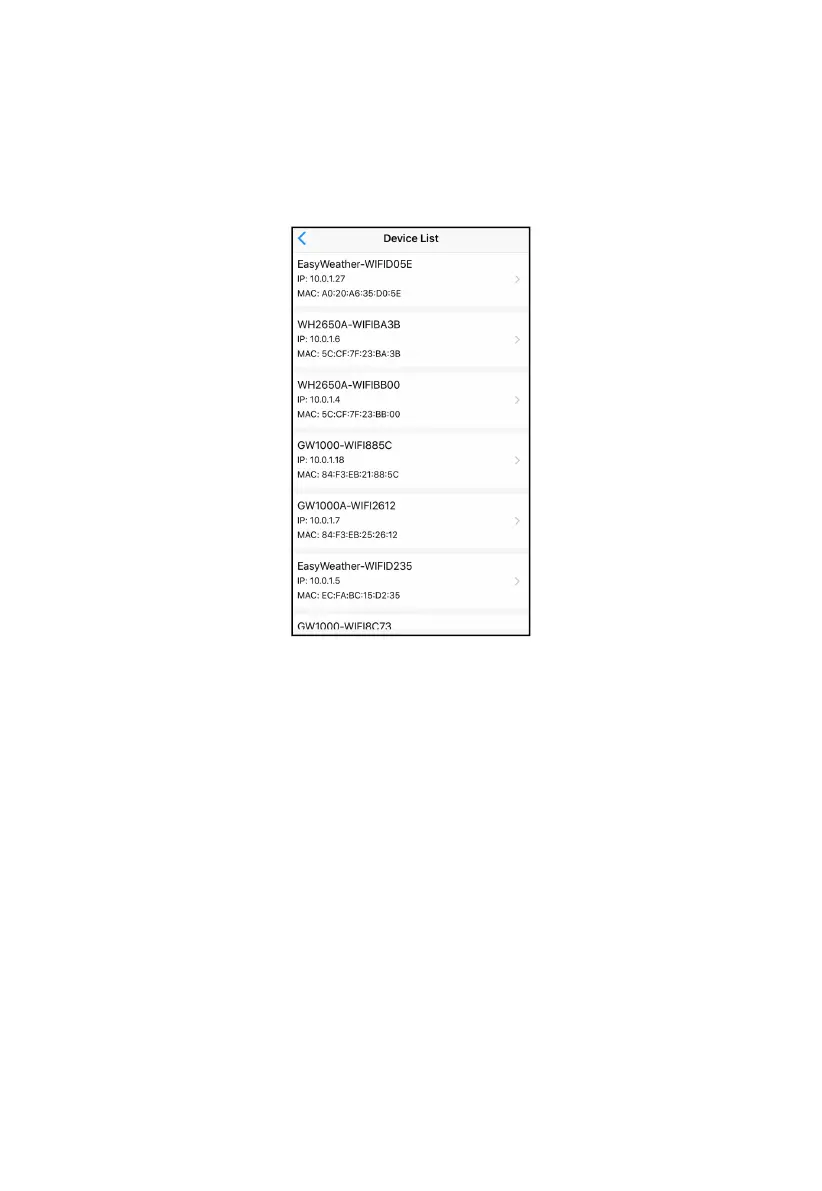
7.5 Device list
When on WU Dashboard screen, you can press the “Menu” button (upper
right) and select Device List to view all your devices.
You can press your device to view or modify the settings.
Figure 26
Note: This function requires that your phone and the console is using the
same network.
7.6 Manage Wunderground
You can add or delete WU Station ID by selecting “Manage
Wunderground”on the submenu:



 To Next Page