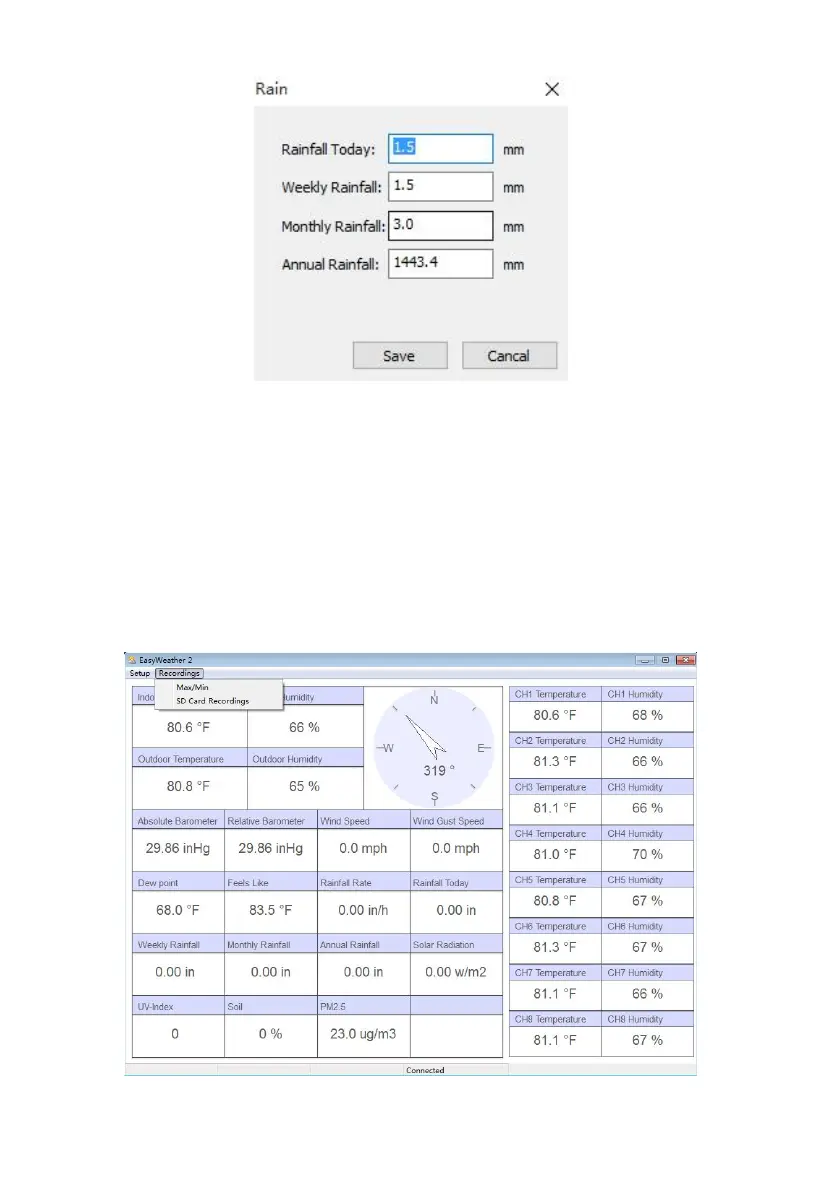
Figure: Rain Totals screen
Any changes you make here will be immediately reflected in the console.
8.3 Record and recording functions
You can access maximum and minimum temperatures as recorded in the
console, or data in accumulated historical records (stored on the SD card, if
you have one inserted) through the “Record” menu.
Figure: Record menu



 To Next Page