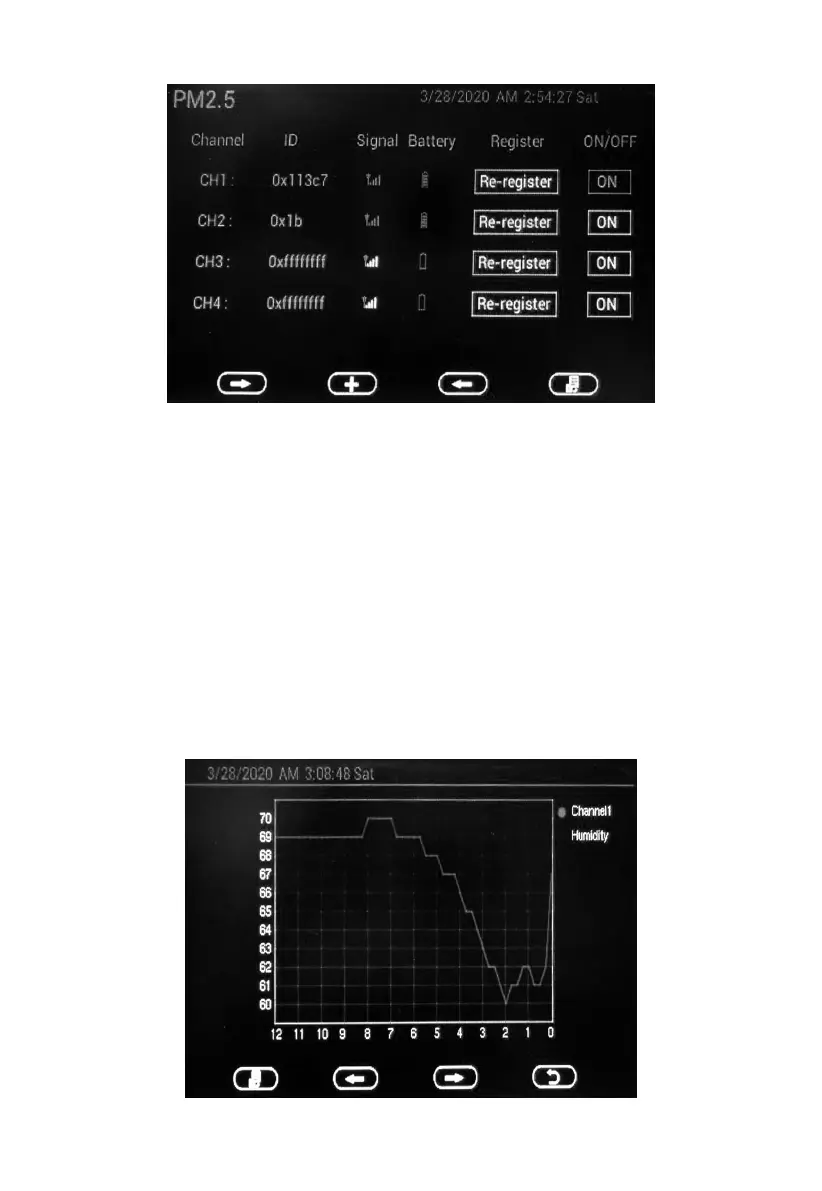
On this mode you can set the following:
View sensor ID, signal strength and battery power condition. 1-4 bars
means 1-4 successful successive signal receptions without missed ones.
Register the sensor when offline.
Enable or disable the sensor.
5.9.2 Graph mode for optional sensors(s)
In each optional sensor(s) display mode, hold the GRAPH button for 5
seconds will enter graph mode:



 To Next Page