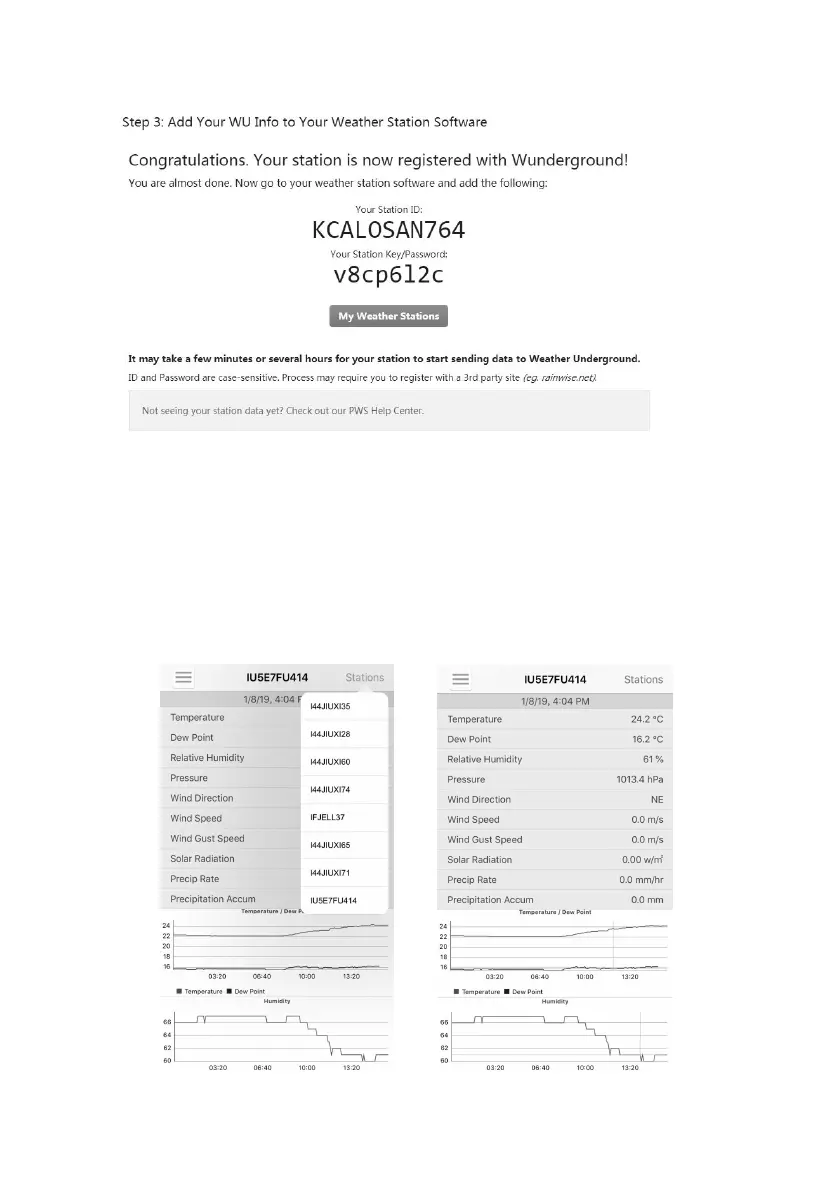
After submitting the form, you will see the following:
Take note of the PWS identifier (ID) and the password that will be
generated for you.
Back to the app and input the Station ID and Key.
Press Save.
Back to the Menu page and select WU Dashboard(for Android version)
or select your station on the Stations(for iOS version) . You’ll see the
current WU data, including graphs on the screen within hours.
Figure 25



 To Next Page