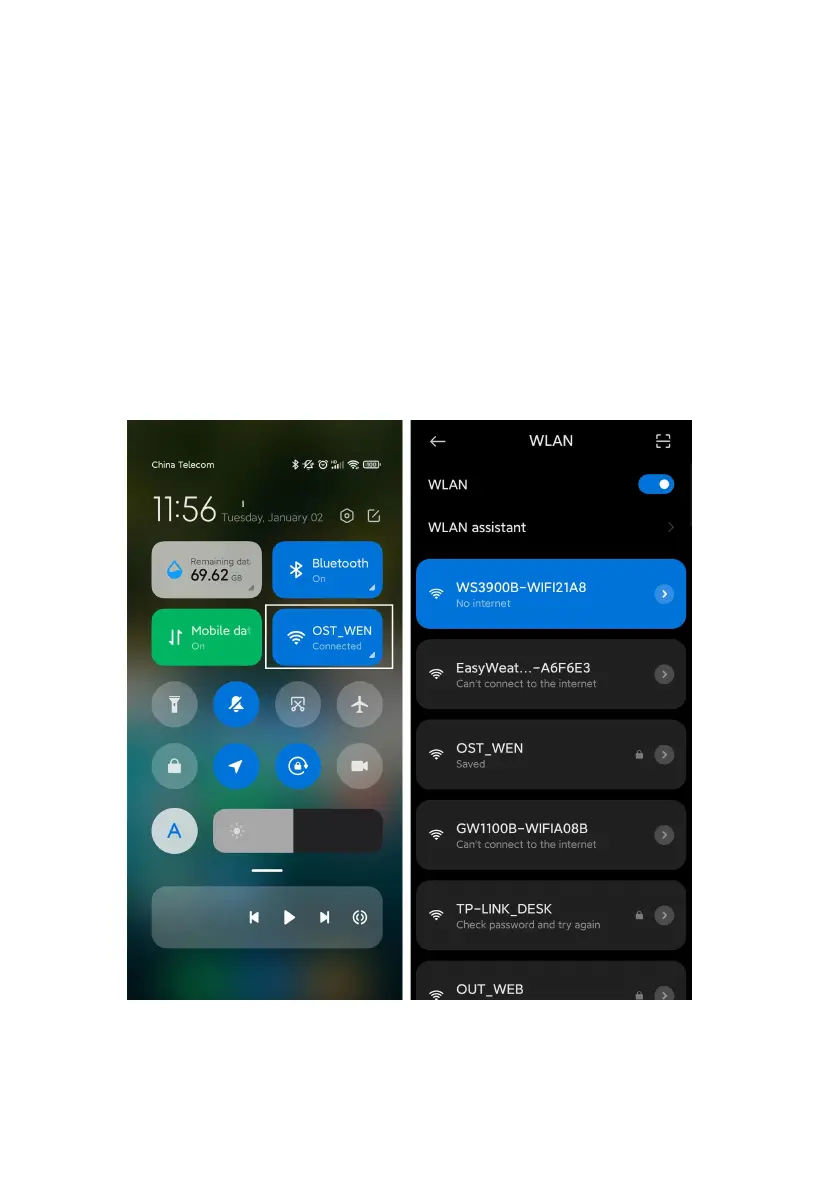
Connecting this WS39xx’s hotspot on a mobile phone or PC.
e.g.: WS3900x/WS3910x-WIFIxxxx, the first x represents the frequency,
A=868MHz, B=915MHz, C=433MHz, xxxx represents the last 4 digits of
the product MAC address.
(3) Open the browser and visit 192.168.4.1.
Enter the login page, the default password is empty, click Login directly.
(4) Select Local Network.
(5) Select Scan Router, wait for the scanning to complete, and then select
the router.



 To Next Page