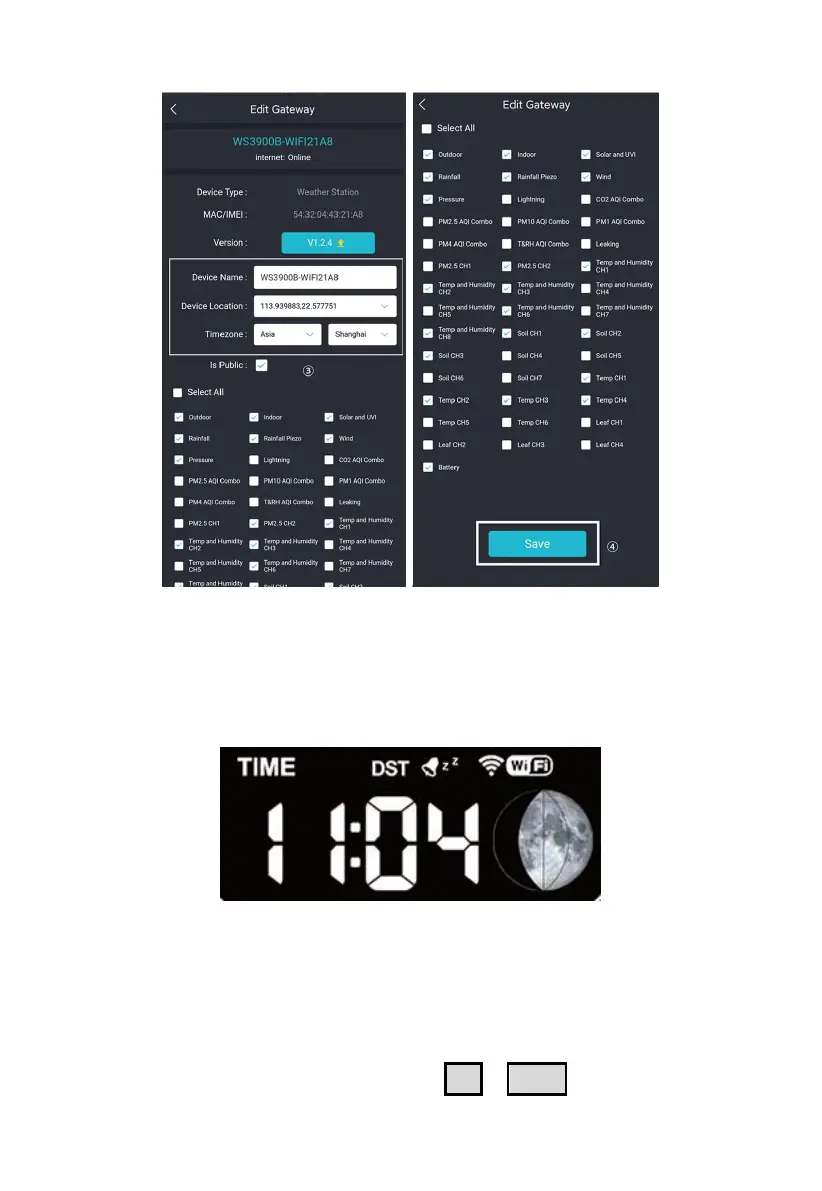
Figure 14: Related settings via Ecowitt App
Note: After completing the above Wi-Fi configuration and related
settings, the WS3900/WS3910 screen will display a stable Wi-Fi signal
tower, auto time zone, and DST (when necessary).
Figure 15: WS3900/WS3910 sync App related settings
2.2.6 Replacing Wi-Fi Router
If you want to change your router, follow these steps again after restoring
the gateway to its factory settings (Hold SET + LIGHT for a factory reset).



 To Next Page