WS3900/WS3910 supports connecting to a 2.4 GHz Wi-Fi network for
viewing data from anywhere on your phone, tablet, and computer
browser, all for free.
Just so you know, the WS3900/WS3910 needs to be used with sensors to
obtain outdoor weather data and is not a standalone product.
The following user guide provides step by step instructions for
installation and operation. Use this manual to become familiar with your
professional weather station and save it for future reference.
2. Installation
2.1 Part List
1 x WS3900/WS3910 Weather Station Receiver
1 x User Manual
1 x 3.5mm DC to USB Cable
2.2 Wi-Fi Configuration
2.2.1 Power-up
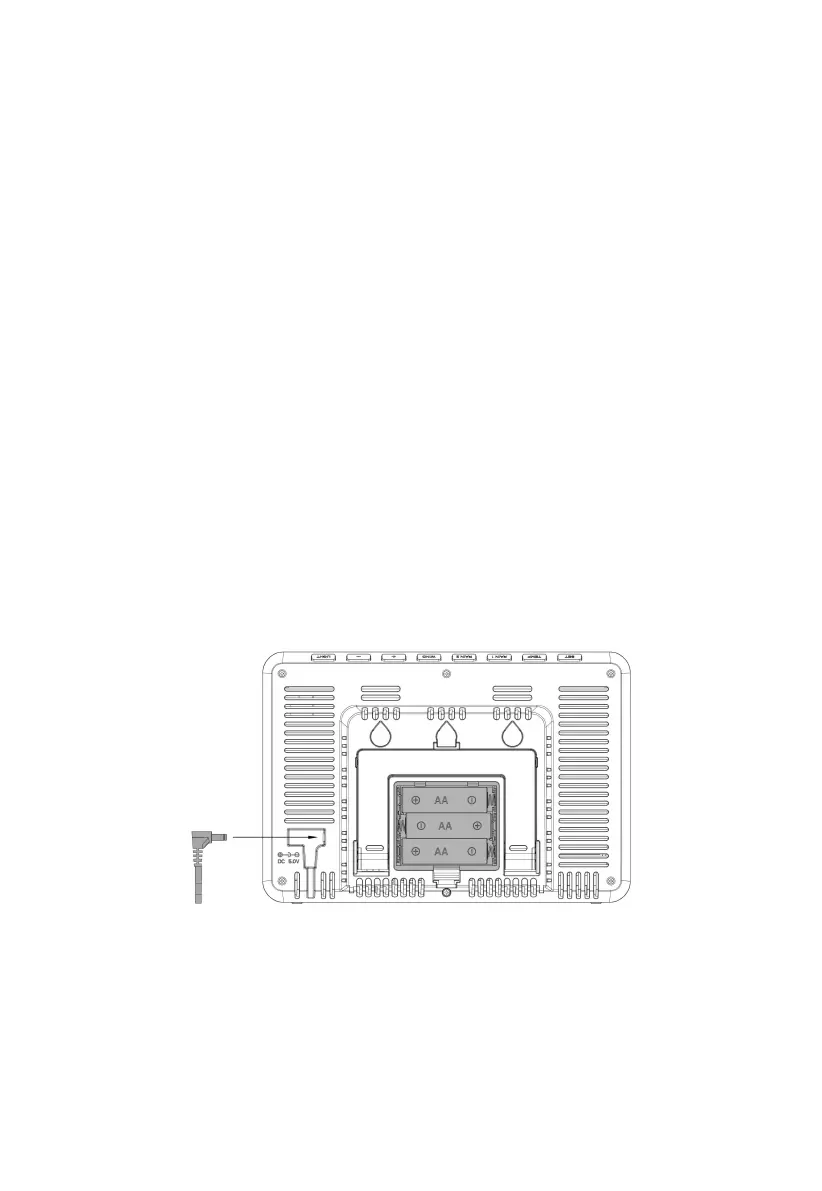
Figure 2: Install the Batteries or Insert the Power Adapter
Insert the 5V 1A Power Adapter into an outlet, and then plug it into the
Power Jack, or install 3 unused AA alkaline or lithium batteries (not
included) into the Battery Compartment to power the station on.
Note: The console does not have a function to recharge the rechargeable
battery.



 To Next Page