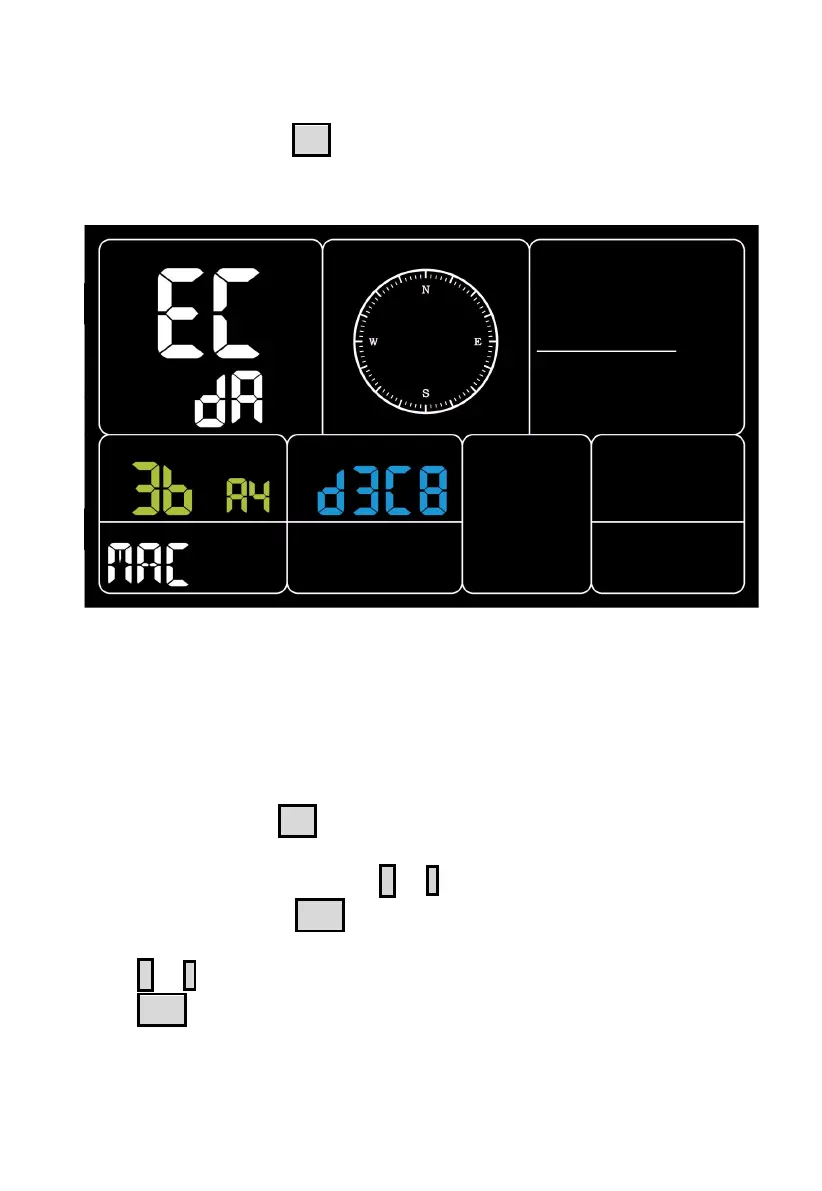
3.5.5 MAC Address Display
In Normal mode, press SET to change the mode.
Sequence: Normal mode -> Maximum value -> Minimum value -> Alarm
setting -> MAC address display.
Figure 38: MAC address
3.5.6 Bulit-in CO2 sensor Calibration(Only WS3910)
The CO2 calibration has two ways.
1. Select the setup to enter from the setup mode.
2. Press and Hold the
SET
button and then power on, directly into the
calibration interface.
In the calibration interface, press
+
or - button to set the desired
calibration value. Press
WIND
button to start/stop the calibration process.
3. Calibration process steps:
Press + or - to set the desired calibration value.
Press WIND to start calibration, the screen displays ON and blinks.
The left side show the current collected CO2 value (528) and the top side
displays the calibration value to be set (580)



 To Next Page