3.7 Firmware Upgrade
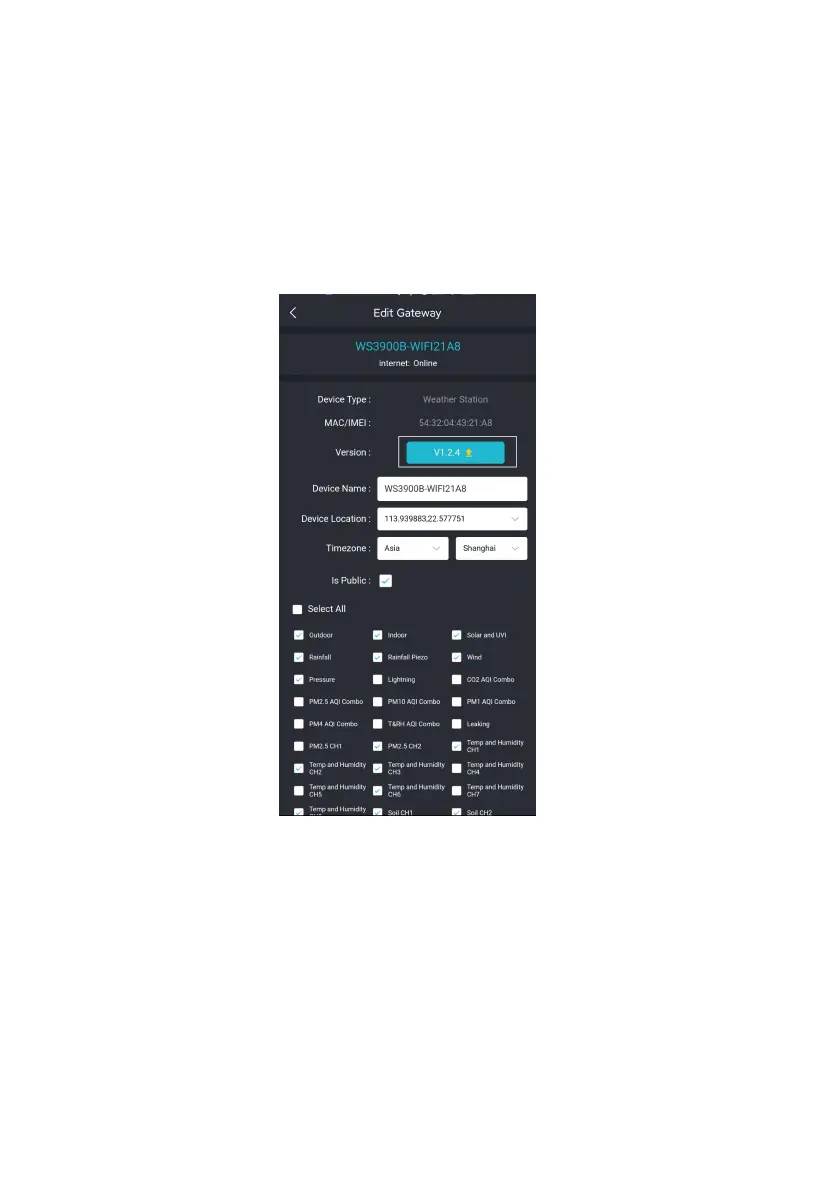
Method 1: Via Ecowitt App
Open Ecowitt App – My Devices – "…" (Open the edit gateway page) –
tap the firmware version number to upgrade if there is a new version
available. When the upgrade is complete, the WS3900/WS3910 will
reboot into the latest version.
Figure 45: Firmware Upgrade on the App
Method 2: Via web page 192.168.4.1
If you choose "Automatically upgrade firmware" on the web page
192.168.4.1, WS3900/WS3910 will enter OTA every time when there is
a new firmware, and the screen will display the "OTA" character. When
the automatic firmware update is successful, it will display "OTA OK"
and reboot automatically. (Automatic update interval is 24 hours).



 To Next Page