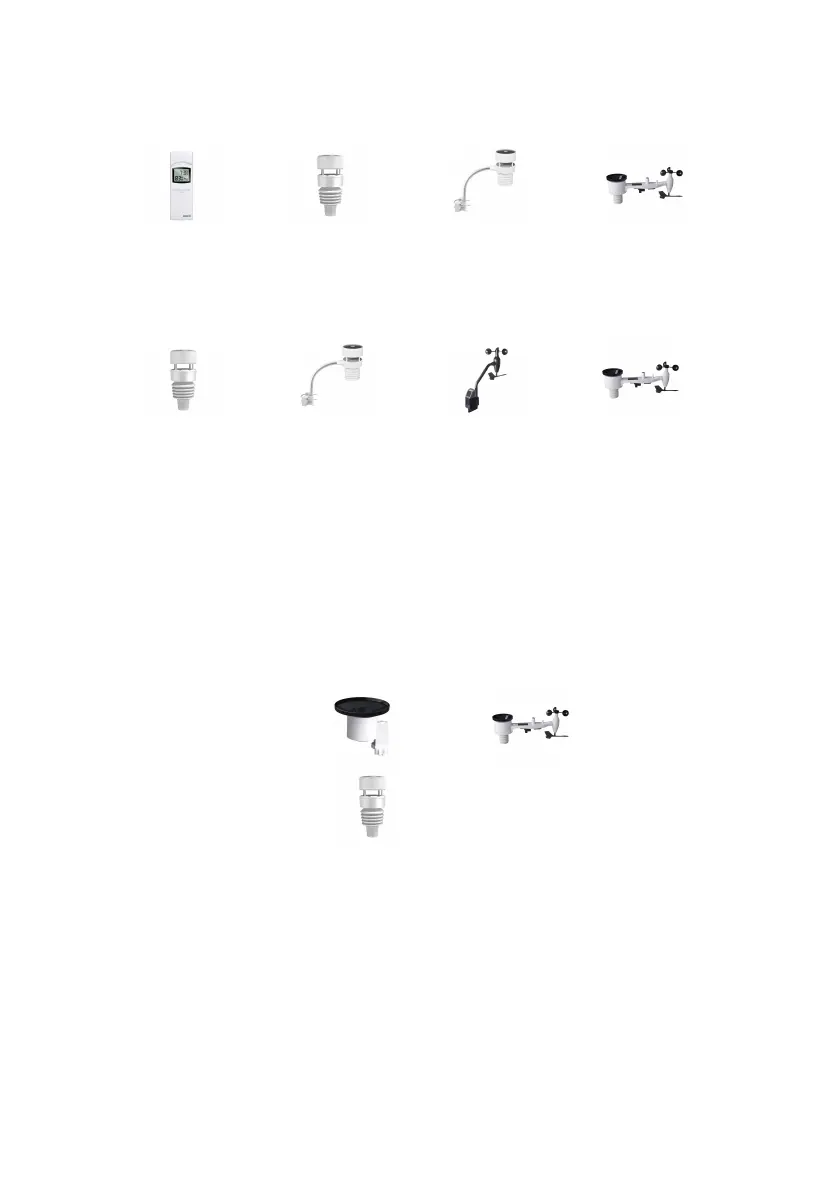
3.3.7 Outdoor Temperature and Humidity
Temperature and humidity display priority:
WN32 > WS90 > WS80 > WS69
3.3.8 Wind
1. Wind display priority:
WS90 > WS80 > WS68 > WS69
2. Wind values and wind units:
When the wind speed unit is selected via buttons (refer to Section 3.5.2 to
adjust the unit) or web page 192.168.4.1 (Unit Settings), the
WS3900/WS3910 will display the corresponding unit and value on the
screen. Units set by the Ecowitt App or Ecowitt.net website will not be
synchronized to the WS3900/WS3910.
3.3.9 Rainfall
1. Rainfall display priority:
Traditional rainfall: WH40 > WS69
Piezoelectric rainfall: WS90
2. Display rules
The WS3900/WS3910 can display either rainfall or piezoelectric rainfall,
simply by selecting the rainfall rule you want to display via the "Rainfall
data priority" on the App or web page.
3. Units
When the rainfall unit is selected via buttons (refer to Section 3.5.2 to
adjust the unit) or web page 192.168.4.1 (Unit Settings), the
WS3900/WS3910 will automatically calculate and display the



 To Next Page