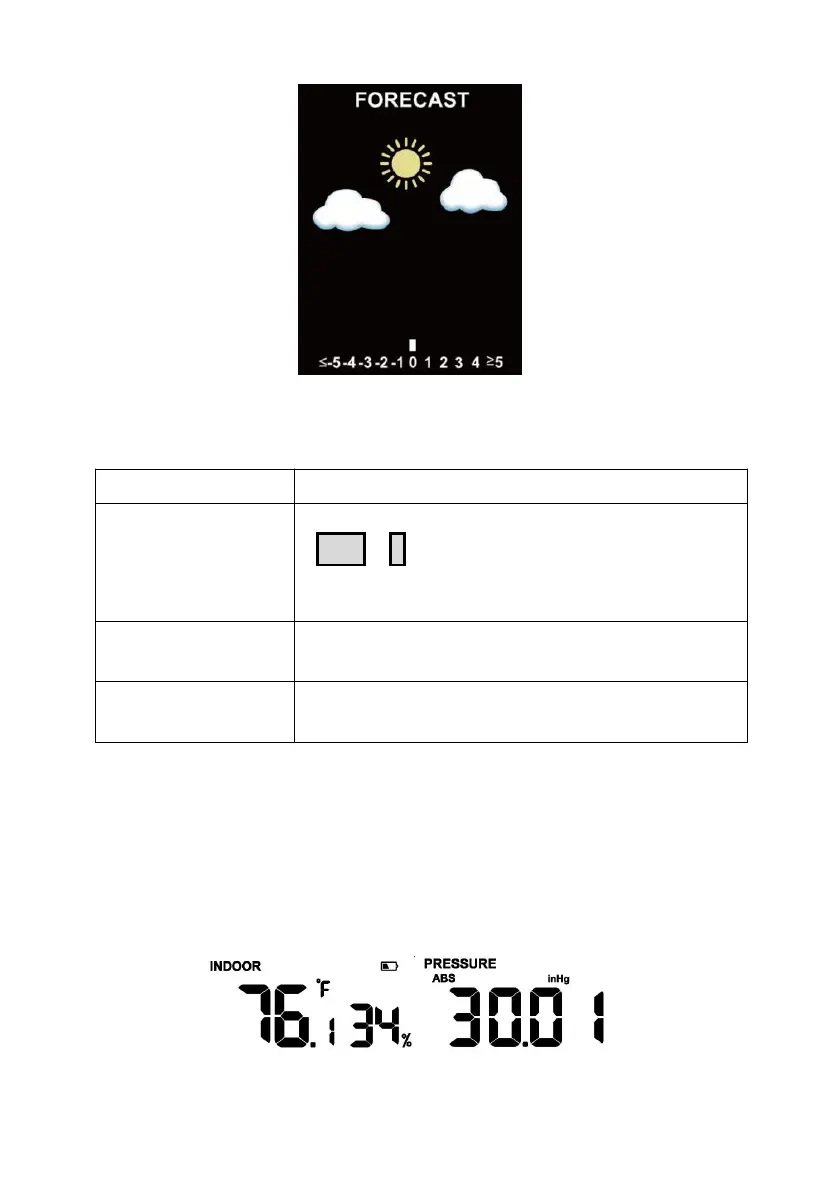
Figure 26: Pressure
3.3.5 Wi-Fi Icon
Situation 1: AP switched on after power up or
TEMP
+
-
button activation.
Situation 2: WS3900/WS3910 is not connected
to the router.
WS3900/WS3910 is connected to the router.
But the data hasn't been successfully uploaded.
The data has been uploaded to the server.
The Wi-Fi icon indicates the signal strength.
Table 3:Wi-Fi icon
3.3.6 Indoor Temperature, Humidity, and Pressure
WS3900/WS3910 has a built-in temperature & humidity sensor, and
barometric pressure sensor, but the WN32P sensor also could receive the
data, and be used to replace the indoor temperature, humidity, and air
pressure.
Figure 27: Indoor temperature, humidity and pressure



 To Next Page