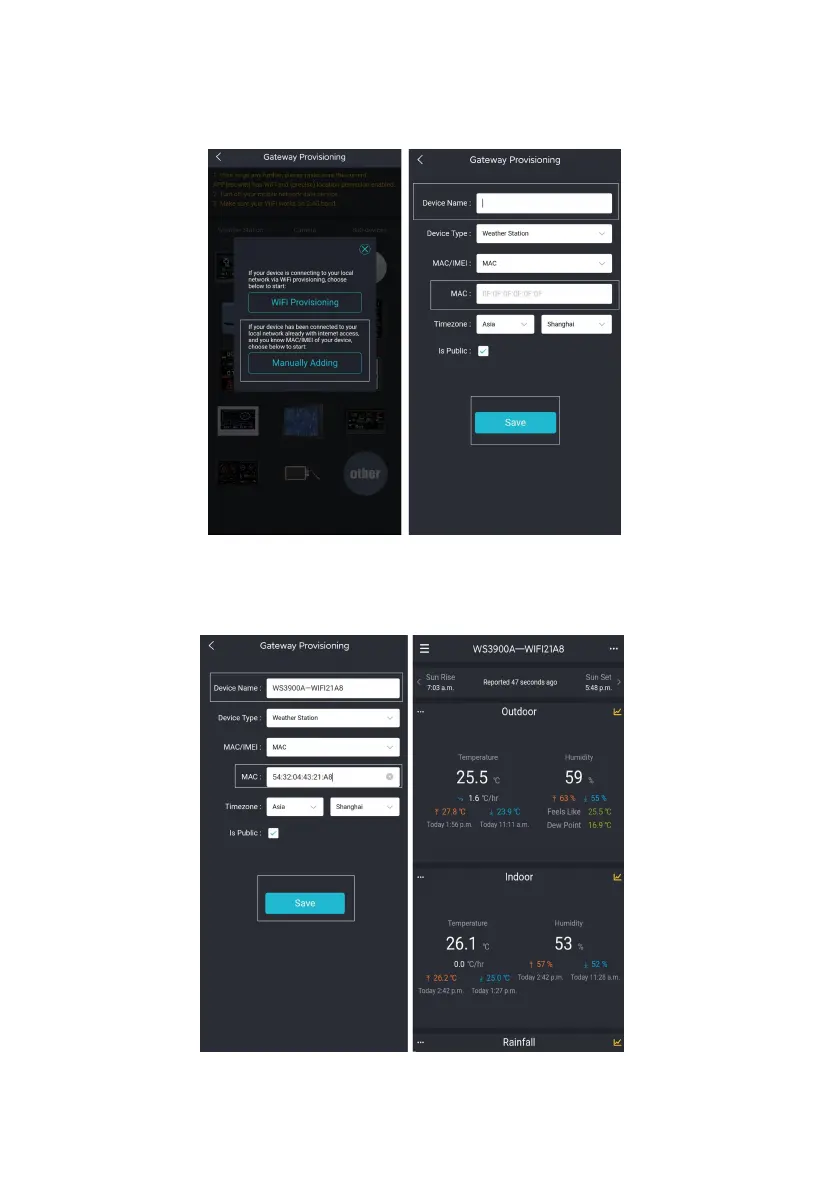
(9) Open Ecowitt App, click "Add New Devices", click
WS3900/WS3910 icon, and choose Manually Adding:
Figure 12
(10) Edit the Device Name and paste the MAC address copied in step (8)
into the box, and click "Save", then you can view the data on the App.
Figure 13



 To Next Page