share the same display area with Date, which can be switched by pressing
the
+
button.
Note:
1. The WH46 sensor would show the data of the Temperature-Humidity
and PM4.0 on the Ecowitt App or the website, but the WS3900/WS3910
console would not show the related data.
2. The WH45 sensor would show the data of Temperature-Humidity on
the Ecowitt App or the website, but the WS3900/WS3910 console would
not show the related data.
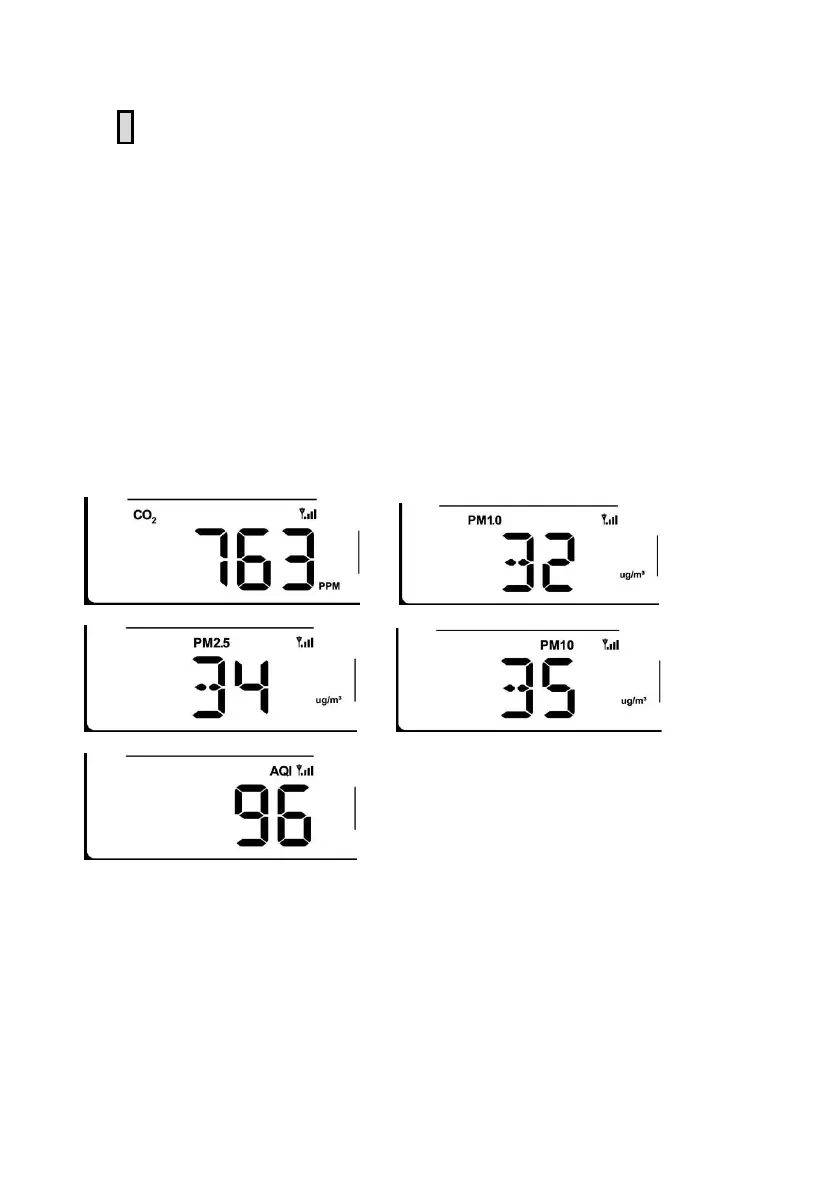
The WS3900 shows the data of the CO2 PM1.0 PM2.5 PM10 AQI:
Figure 24: CO2/PM1.0/PM2.5/PM10/AQI



 To Next Page