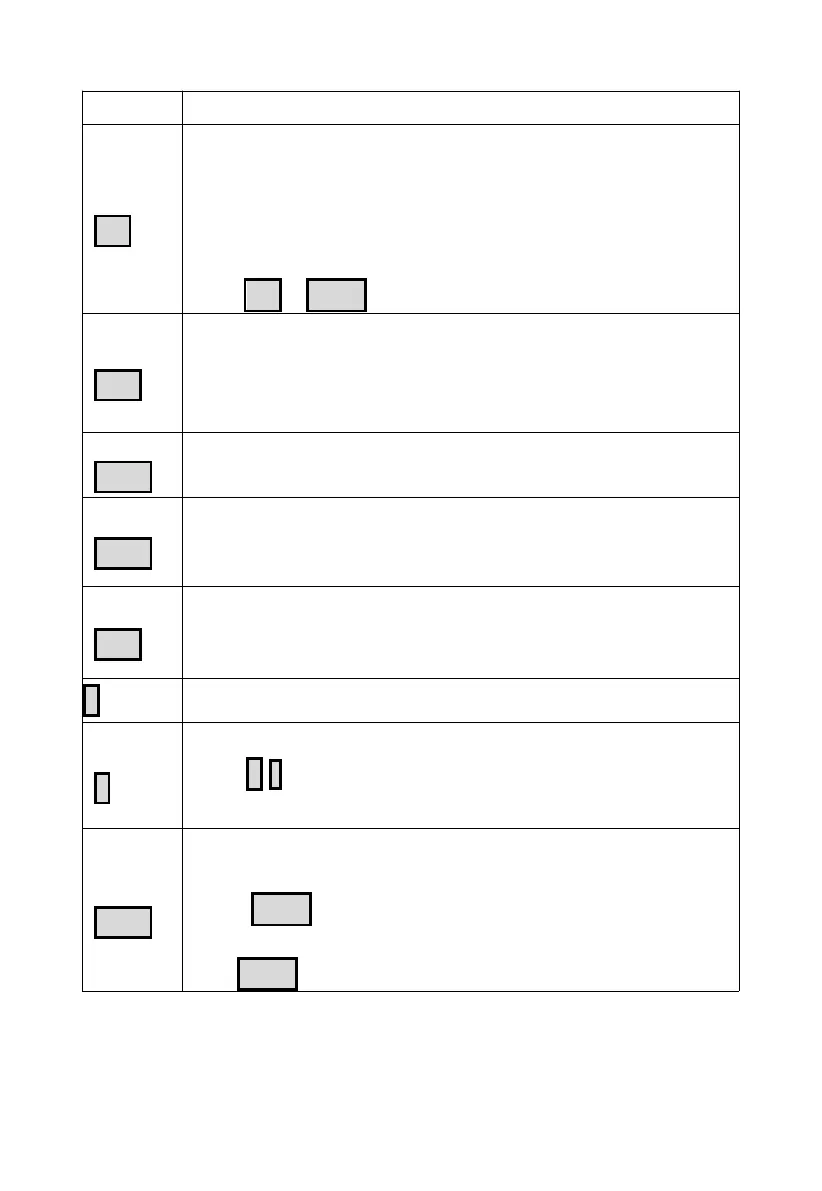
Table 5: Button functions
Setting button
Press to switch display mode.
Press to switch hour/minute in alarm setting mode.
Press to switch setting option in setting mode.
Hold to enter setting mode.
Hold
SET
+
LIGHT
for a factory reset.
Temperature display button
Press to switch temp channel.
Hold to register weather data.
Hold "TEMP" & "-" to activate Wi-Fi hots pot/configuration
Rain display button
Press to switch RAIN RATE/EVENT.
Rain2 display button
Switch RAIN
DAILY/WEEKLY/MONTHLY/YEARLY/TOTAL.
Wind display button
Press to switch WIND/GUST/DIRECTION/10min dir.
Press to activate/deactivate alarm in alarm setting mode.
Press to switch display interface.
Press to switch REL/ABS mode.
Press
+
/ - to adjust value in setting mode.
Hold to switch UVI/sunrise & sunset.
Brightness adjustment button
Press to adjust backlight when powered by DC.
Press LIGHT to snooze and press the other to exit while
alarming.
Hod LIGHT to exit while snoozing.



 To Next Page