8. Press
+
to switch Date/CO2/PM1.0/PM2.5/PM10/AQI display.
9. Hold - to switch to UVI/Solar radiation/Sunrise/Sunset display. The
exponential intensity graph on the right side synchronizes the display of
UVI values.
Press - to switch PERSSURE REL/ABS.
10. When DC power is supplied, press
LIGHT
on the main page to adjust
the backlight in 5 levels: MAX -> High -> Medium -> Low -> Off.
11. Hold TEMP + - for more than 2s to open AP, Wi-Fi signal icon fast
flash, you can connect to this hotspot on a mobile phone or PC.
12. Hold
SET
+
LIGHT
for 5 seconds the device will restore factory
settings and reboot, all setup parameters will be cleared.
Notes:
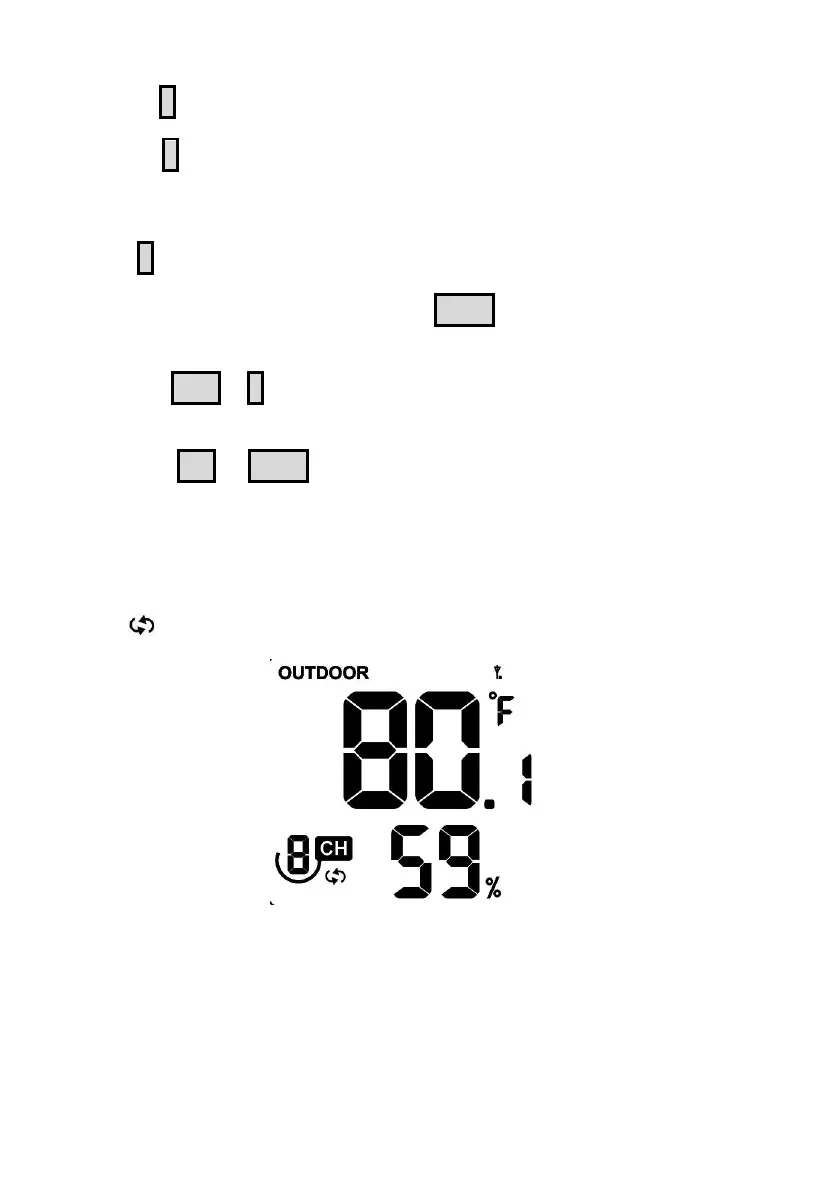
* In Auto-Scroll mode, only registered sensors are displayed.
Figure 34
* Max and Min values will be cleared together if the multi-channel
temperature and humidity sensor is re-registered.



 To Next Page