To upload current project to on-device flash memory, either use the Make Permanent button, or
use F2 keyboard button. The PMU status LED will flash with orange color (See PMU Status
section).
To save a copy of your current project on hard drive either use Ctrl+S keyboard shortcut, or use the
Clients toolbar.
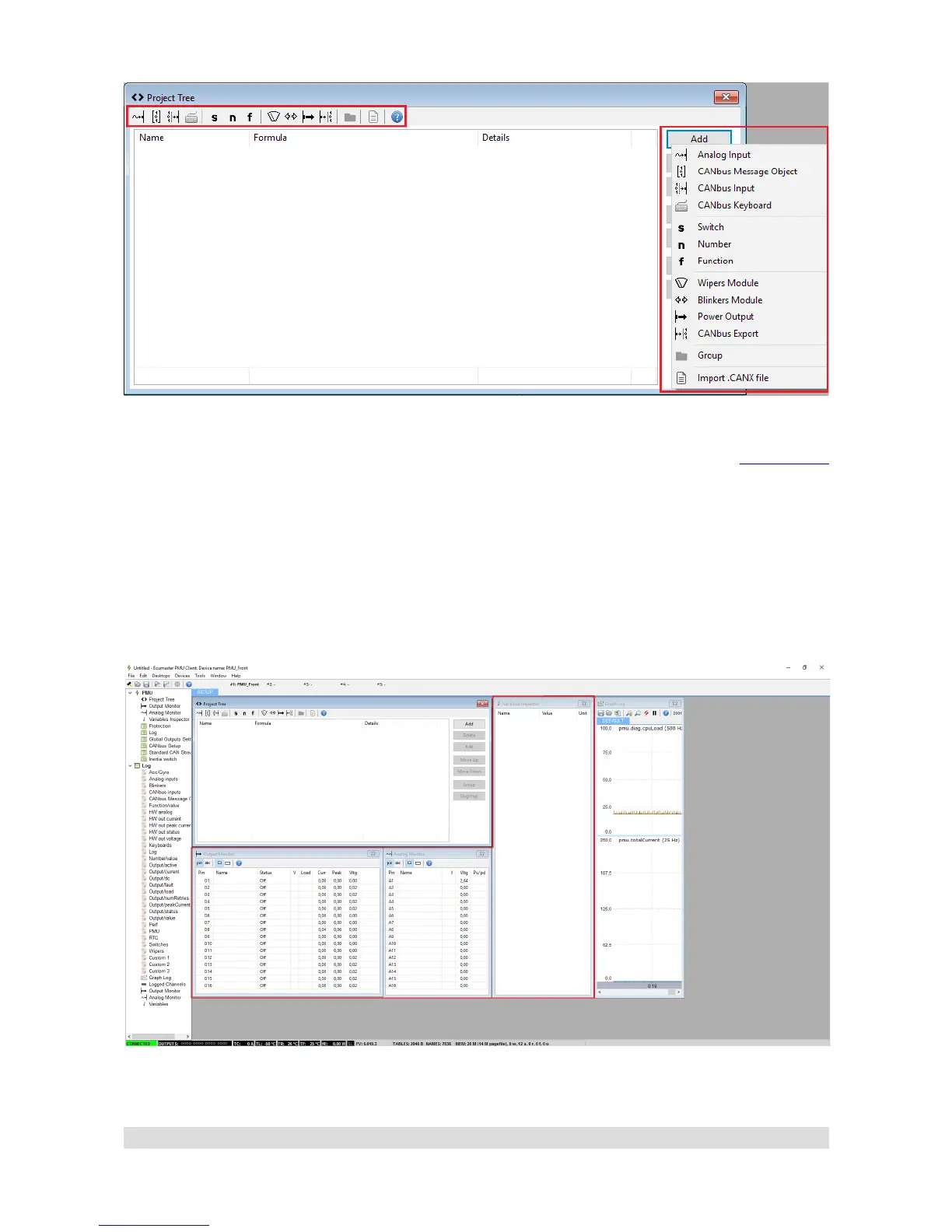
Right on the main screen there are also windows with monitoring functionality. They are updated in
real time and show various parameters reported from particular pins as well as values of elements
created by user.
Page 16


 To Next Page