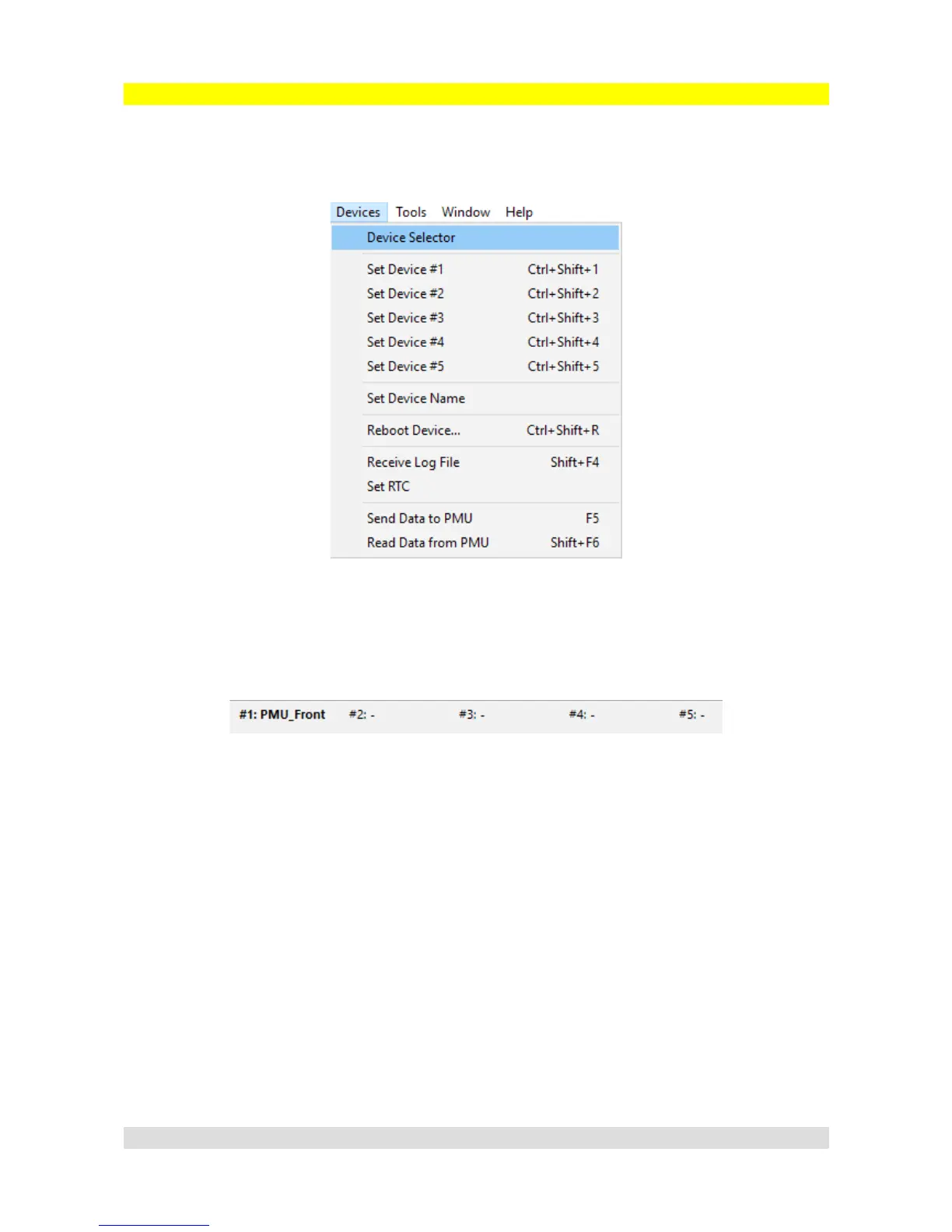
Using PMU Client with multiple PMUs
PMU Client allows up to 5 PMUs to be connected simultaneously. You can easily switch between
them either using Menu Bar → Devices → Set Device #X or using Ctrl + Shift + X keyboard
shortcut, where X is the device Number.
All currently connected PMUs are also displayed as a list.
Page 50


 To Next Page