28
support@edgeovens.com Technical Support: +1 (724) 628 3050
INSTALLATION
OVEN ASSEMBLY
CONVEYOR BELT & FINGER PANEL REMOVAL AND INSPECTION (CONT)
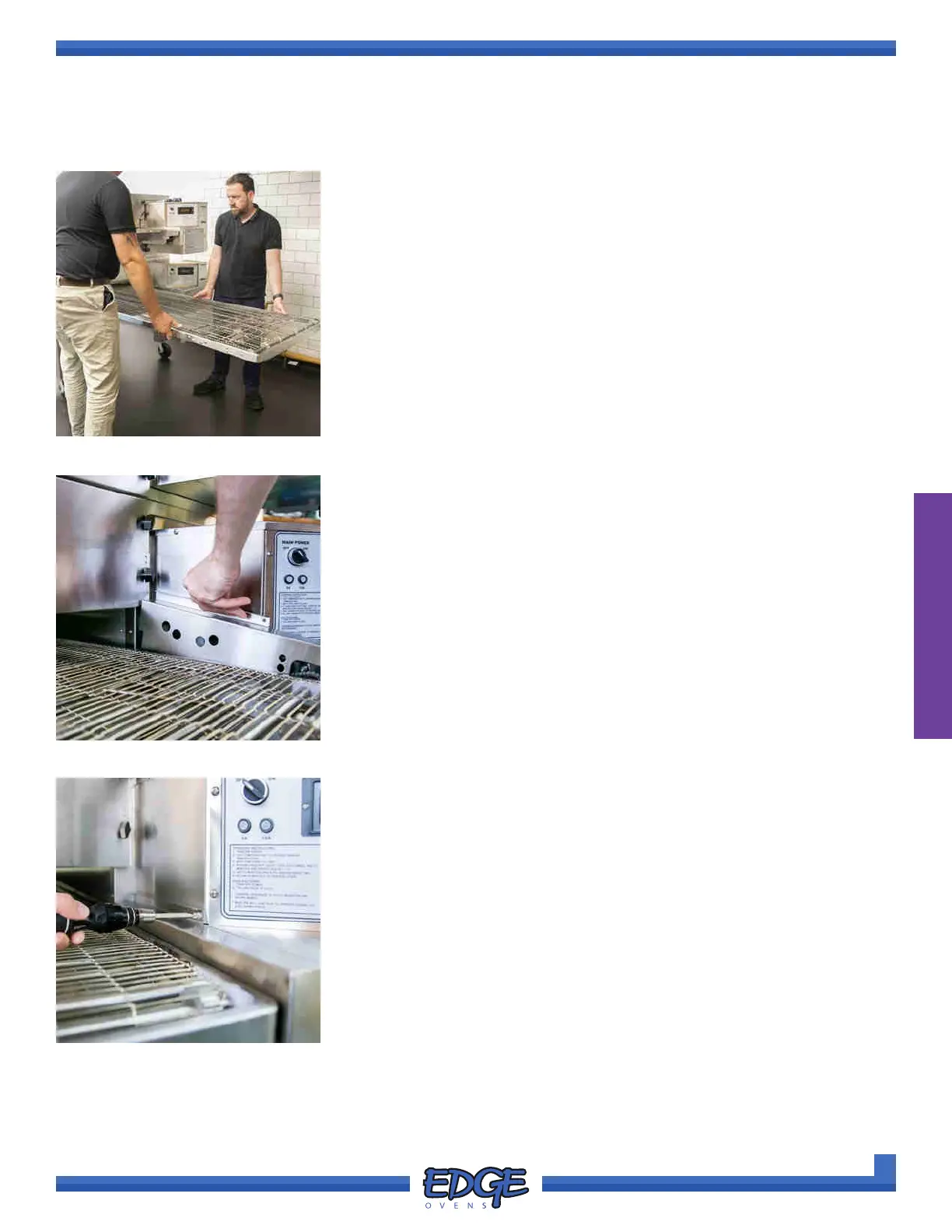
10. With a helper, install the removed belt ensuring that the conveyor
frame equally protrudes from each end of the oven chamber and the
right hand side of the conveyor frame sits ush with the control cabinet
end. (Figure 2-56)
11. Install the removed chain guard. (Figure 2-57) If not already installed,
refer to the CONVEYOR DRIVE SYSTEM ASSEMBLY section for
detailed instructions of how to install the conveyor drive chain.
FIGURE 2-56
FIGURE 2-57
12. Secure in place with the previously removed Phillips screw. (Figure
2-58).
FIGURE 2-58



 To Next Page