40
support@edgeovens.com Technical Support: +1 (724) 628 3050
INSTALLATION
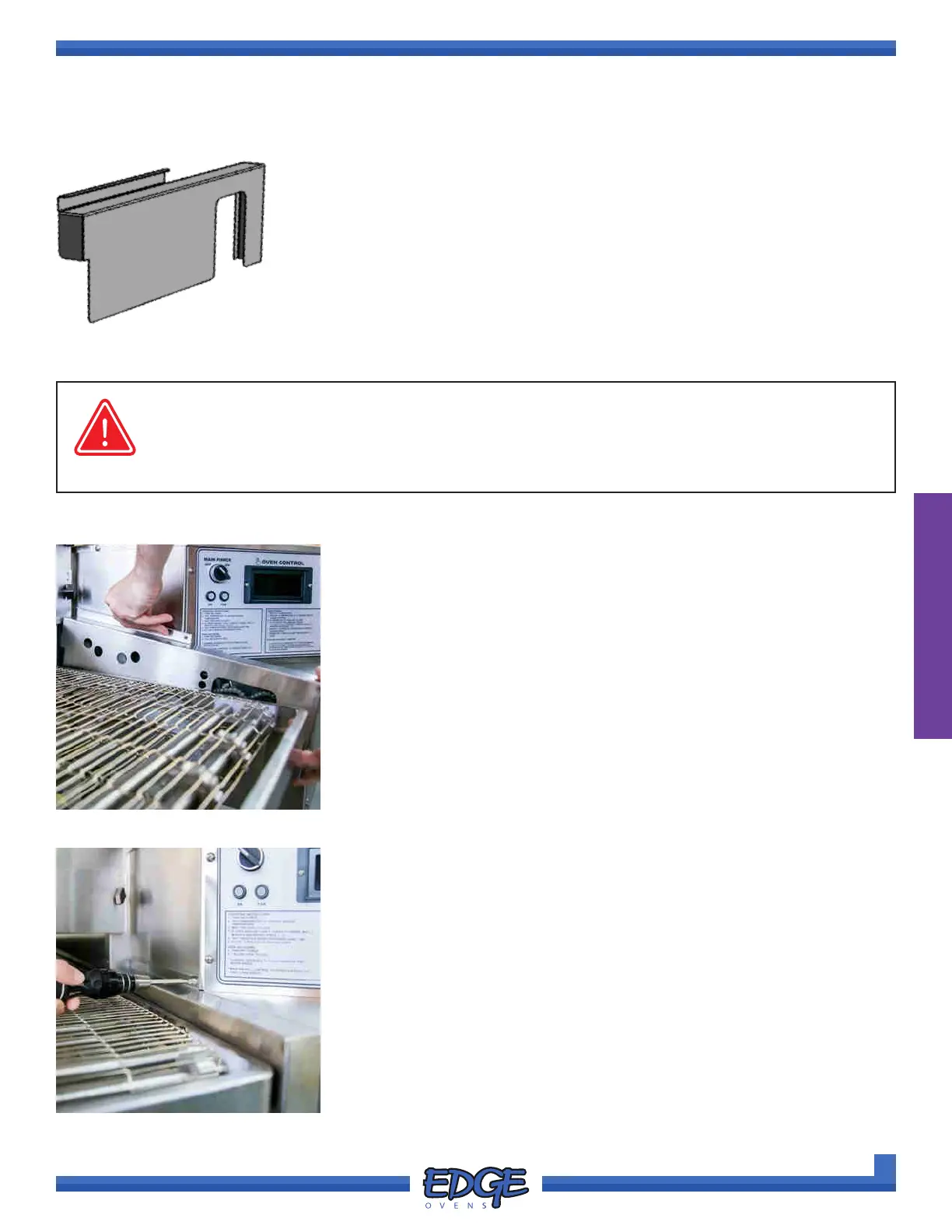
Chain guards are intended to prevent access to the moving drive chain of the
conveyor system. This guard installs between the conveyor belt and the control
cabinet. A Phillips fastener is then installed through the guard, into the side of
the control cabinet, to secure the guard from accidental removal.
OVEN ASSEMBLY
CHAIN GUARD
1. In a downwards motion, slide chain guard in between the conveyor
belt and control cabinet. Allowing the chain guard to rest on the
supporting pin. (Figure 2-92)
FIGURE 2-92
FIGURE 2-93
2. Using a #2 Phillips screwdriver, install the Phillips securing screw
through the chain guard and into the side of the control cabinet.
(Figure 2-93)
3. Maneuver the conveyor belt so that it ush against the installed chain
guard.
Chain guards should remain installed at all times during oven operation. Failure to do so
will leave moving parts uncovered and will expose the operator to potential injury.
WARNING



 To Next Page